2024-07-22
020629
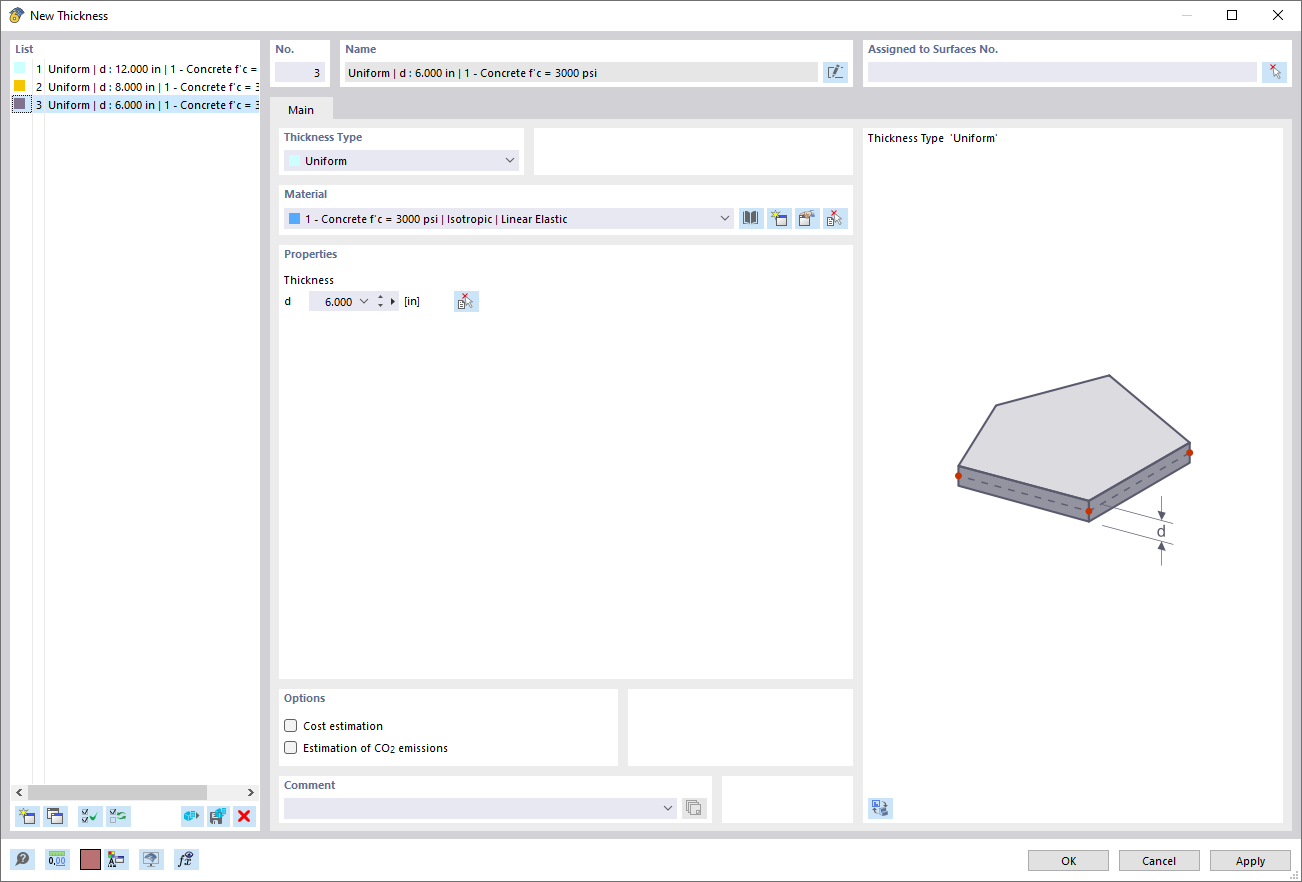
Dialog Box "New Thickness"
The “New Thickness” dialog box allows users to enter specific parameters for defining material thicknesses in a model. Users can define numerical values or preset options for material properties using input boxes. This window is part of a software tool used to simulate and perform calculations on structural elements. It supports features for accurate modeling and design.