2024-06-28
025305
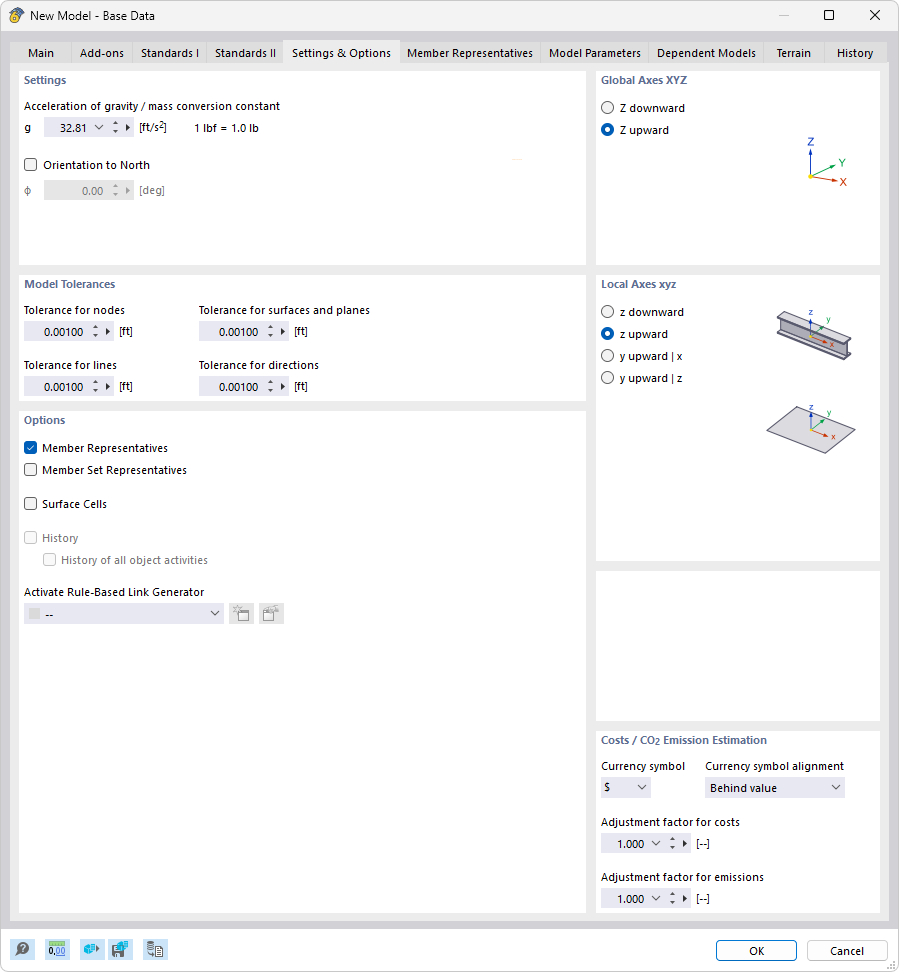
Dialog Box "New Model – Base Data", Tab "Settings and Options"
The image shows the “New Model – Base Data” dialog box in the “Settings and Options” tab. Specific options for gravitational acceleration and the selection of the Z-axis are visible. Additional entries include tolerance values and representative settings within the model, such as member and surface representatives. The dialog box provides comprehensive configuration options for model customization.