2026-02-03
026070
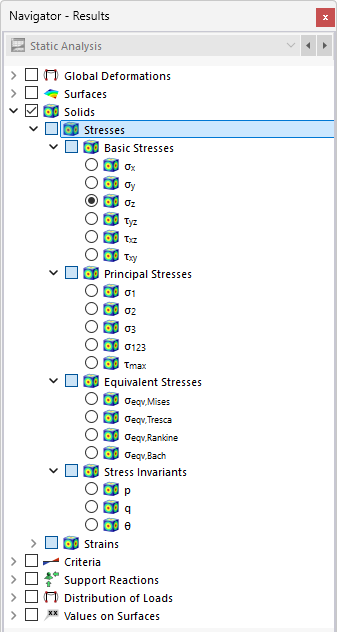
Selecting Solid Stresses in Navigator
The image shows a 3D model where solid stresses are being analyzed. It includes displays of basic, principal, and equivalent stresses, as well as stress invariants. These different types of stresses are marked in the model to illustrate their distribution. The analysis is typically used to evaluate specific areas of a model in terms of their structural integrity.