2026-02-10
033232
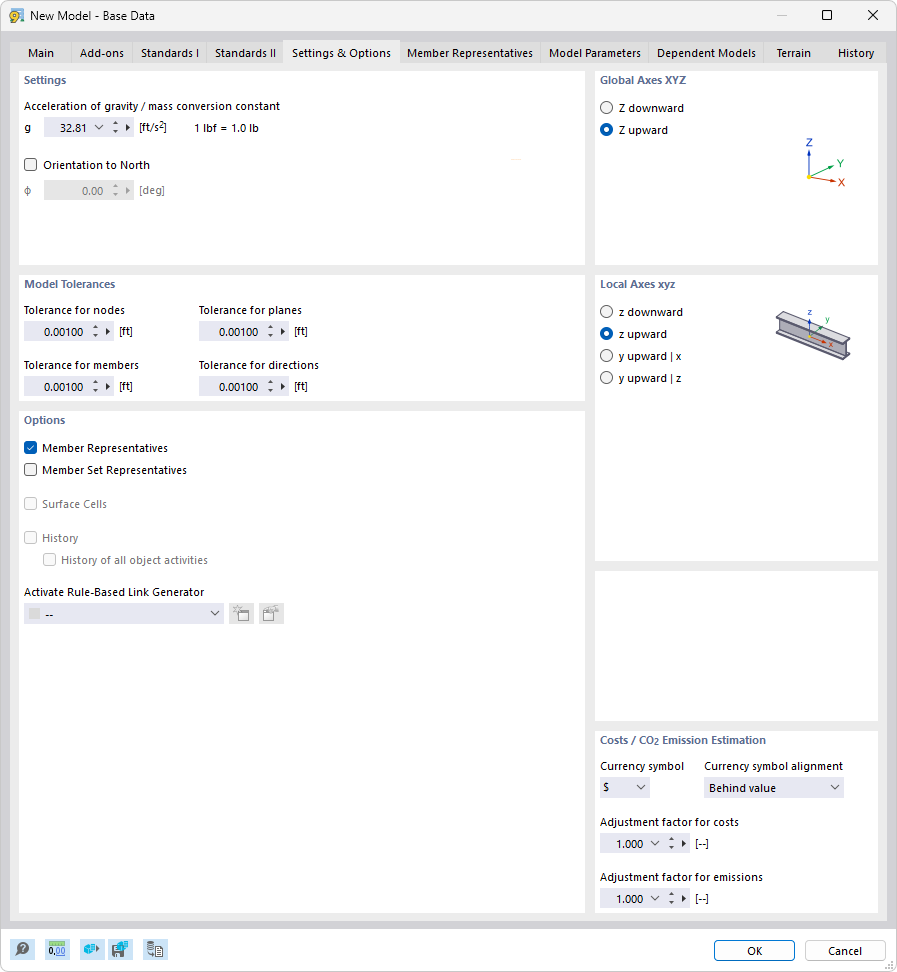
Dialog Box "New Model – Base Data", Tab "Settings and Options"
The “New Model – Base Data” dialog box shows the “Settings and Options” tab. It allows users to specify basic parameters for model creation. The settings include specific design criteria and program settings that can be used to customize modeling options. Users can select options here that correspond to the model calculations. These entries form the basis for further model accuracy and adaptability.