2023-05-11
040708
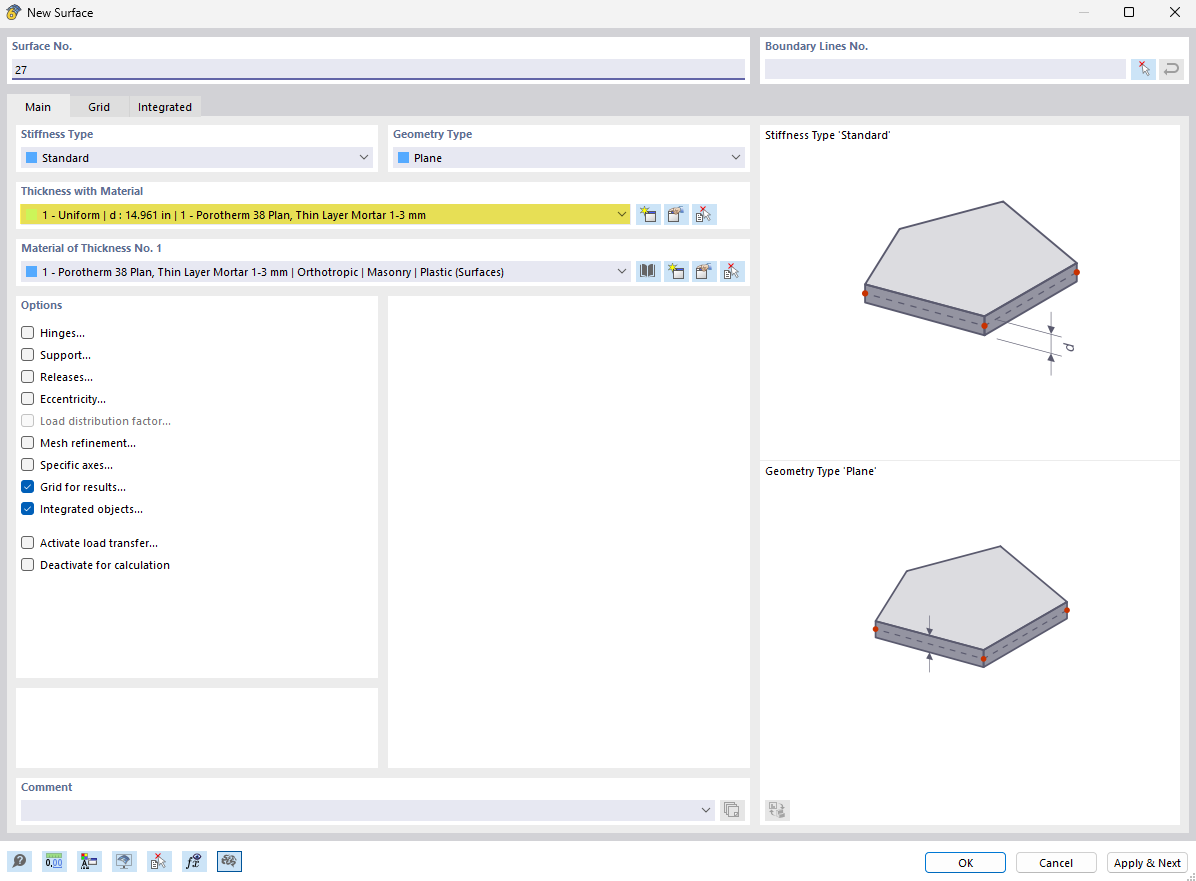
Dialog Box for Creating New Surfaces
Dialog box displaying options for creating a new surface, including material selection and geometric settings.
The image shows a dialog box that presents the input options for creating a new surface in a software application. It contains selection options for the material of the surface as well as geometric parameters that are important for modeling. This window simplifies the input of structural data by allowing the user to enter specific detail and factual information.