2023-07-26
042520
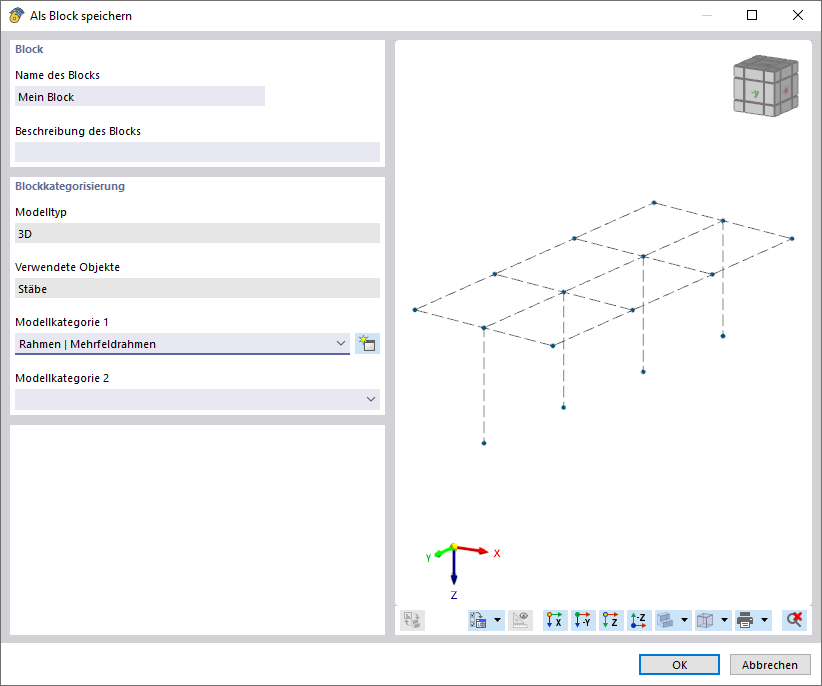
Dialog Box "Save Block" in CAD Software
Dialog box shows options for saving blocks with different settings.
The “Save as Block” dialog box provides options for saving draft blocks with specific settings. Configurable parameters allow for customized storage of structural parts. This feature facilitates the organization of drawing elements within the CAD application. Users can efficiently save and reuse blocks.
Used in