Adjusting Background Color in Dlubal Software
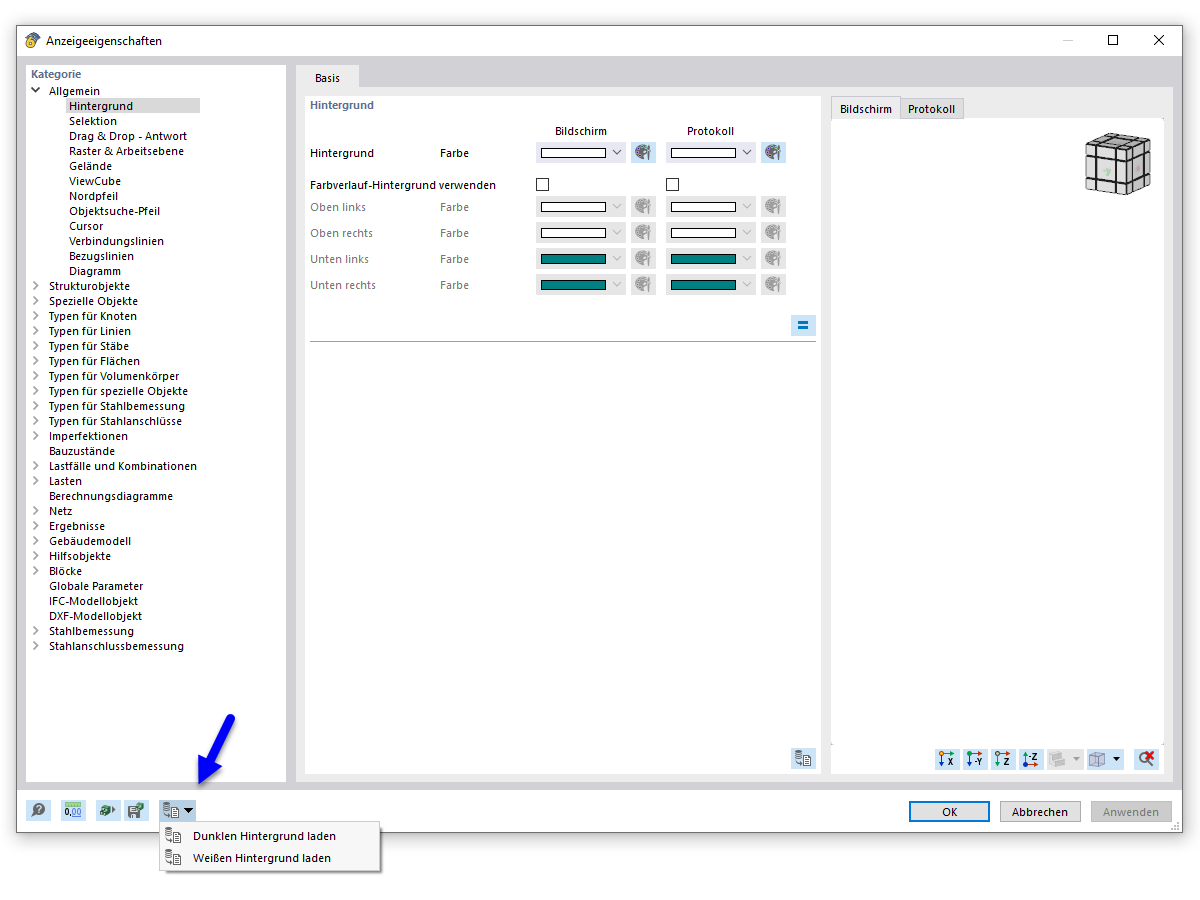
Dialog Box for Changing Background Color in Dlubal Software
The image shows the "Display Properties" dialog in Dlubal Software, where the background color can be adjusted. This function allows users to customize the visual representation of their software environment to meet their individual needs. By changing the background color, engineers can create a more optimal working environment, minimizing eye strain and improving the readability of model results. Adjusting display properties is essential for ensuring efficient and comfortable structural engineering work.