2025-01-16
055016
Opening Printout Report by Right-Clicking in Data Navigator
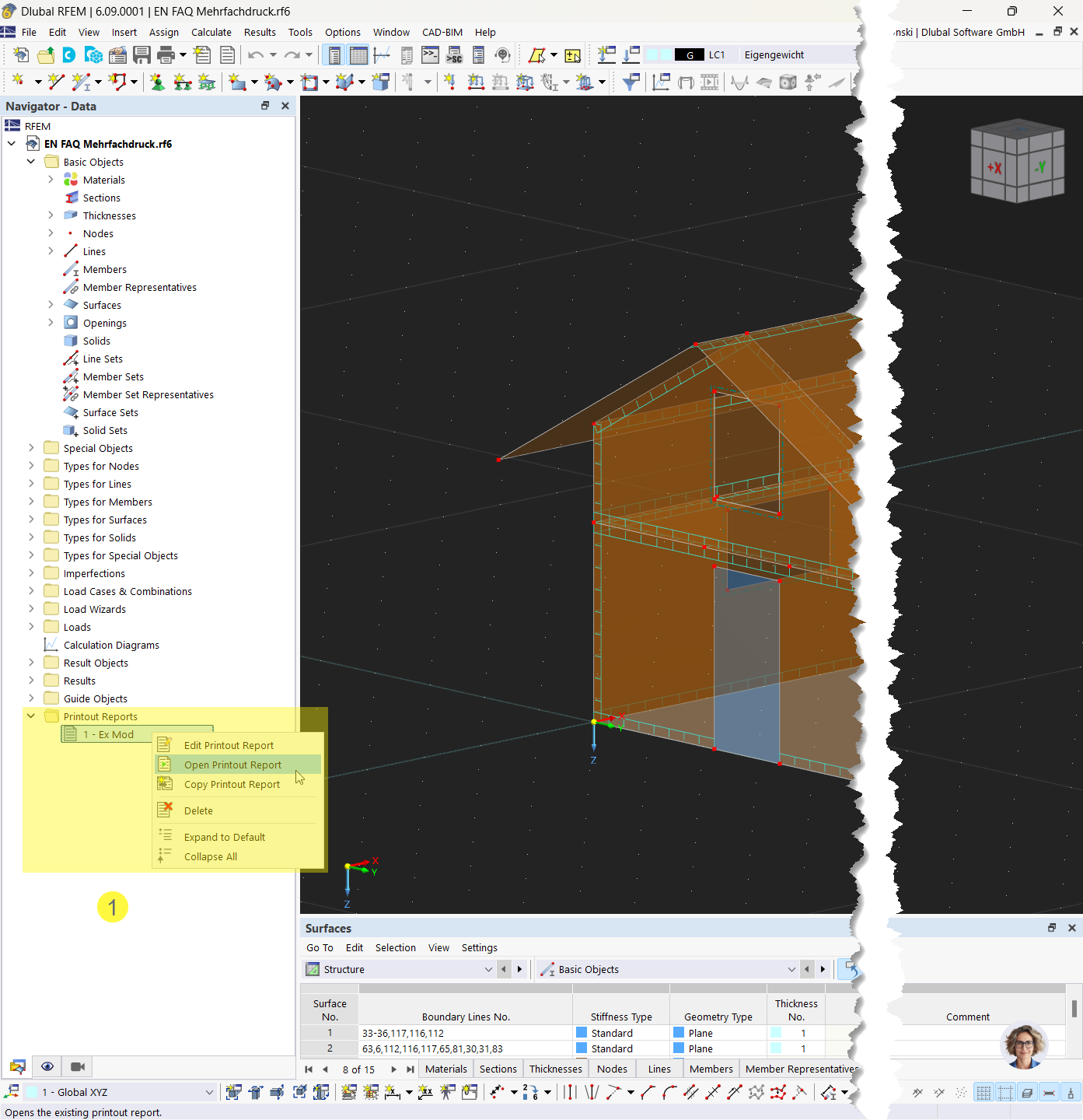
Shortcut menu for selecting features for printout reports, multi-print, and image synchronization in the Data navigator
The image shows a shortcut menu that is activated by right-clicking in the Data navigator. It shows the options for opening the printout report and editing the multi-print. It also shows the synchronization of images with the print settings.