

2025-03-05
055663
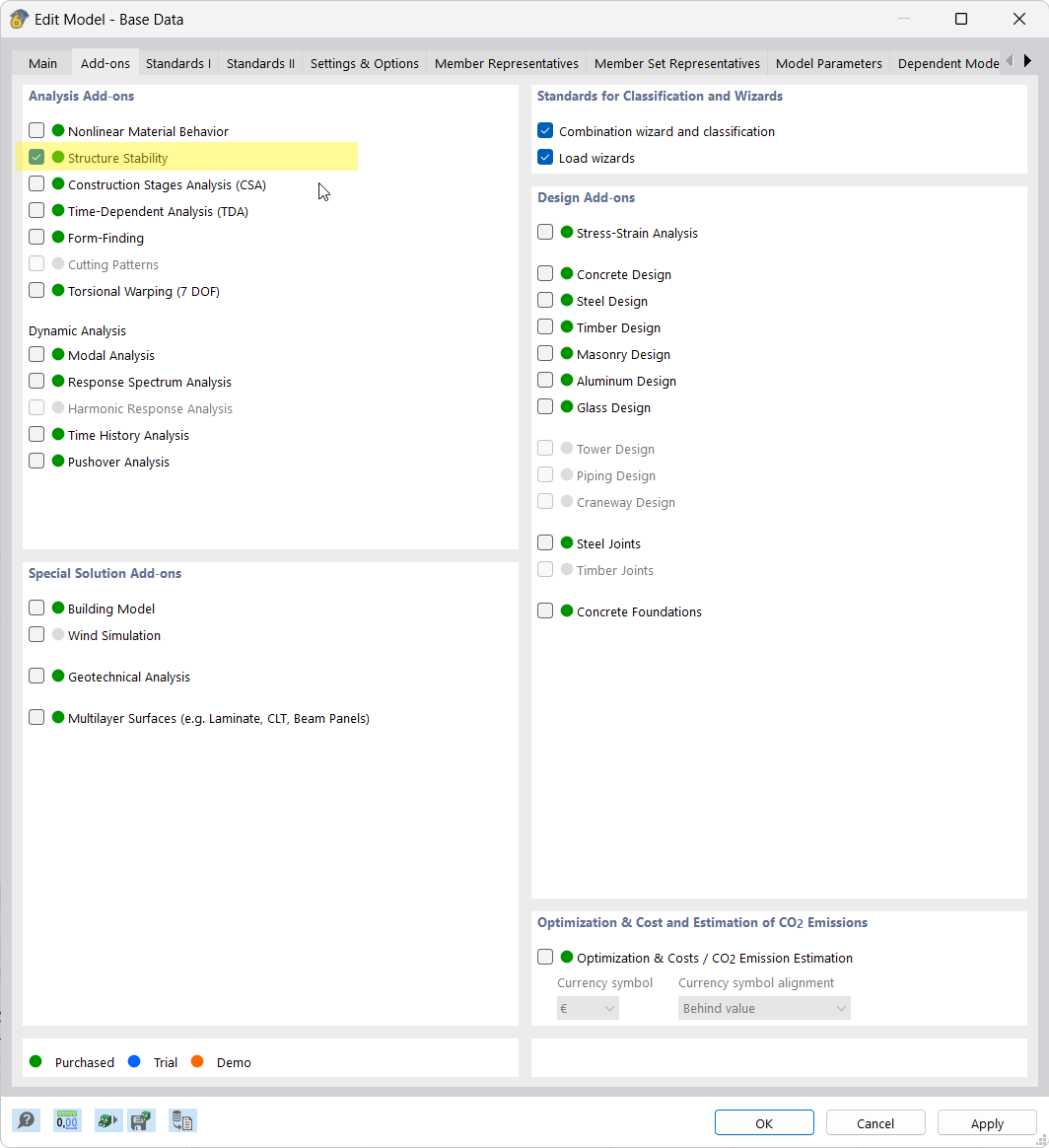
Add-on Installation | Structure Stability
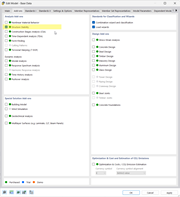
The Structure Stability add-on is easy to install, requires an additional license, and is activated in the model's base data.
The image shows the installation of the Structure Stability add-on. It is made clear that an additional license is required and that the add-on is activated in the model base data.
2025-03-05
055664
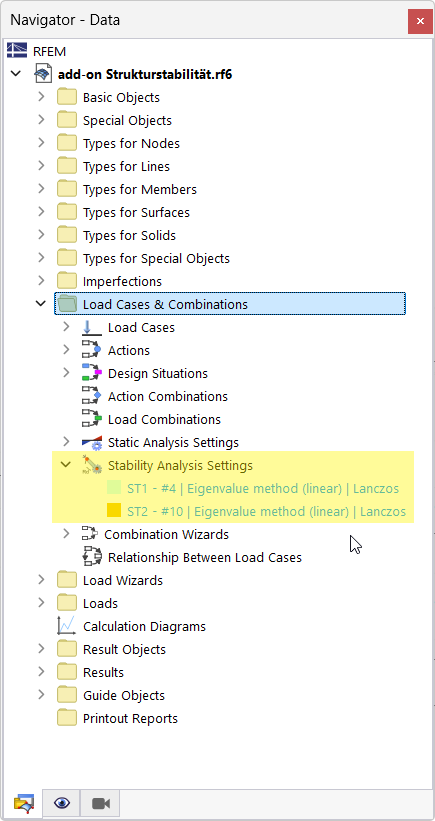
Entries in Data Navigator | Active Add-on
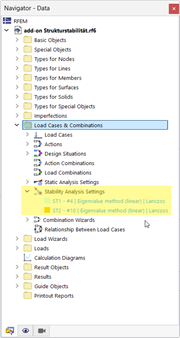
The image shows new entries in the Data navigator after activating the add-on.
The image shows the software interface in which new entries appear in the data navigator after activating an add-on. The entries are listed as additional, automatically generated data sets. The display illustrates the functional extension of the interface.
2025-03-05
055665
New Entries in Tables After Activating Add-on
The image shows tables with new entries added after activating the add-on.
The image shows tables in which new data sets have been arranged after activating an add-on. Updated entries are displayed in defined data text boxes. The display highlights the functionality of the add-on in the software.
2025-03-05
055666
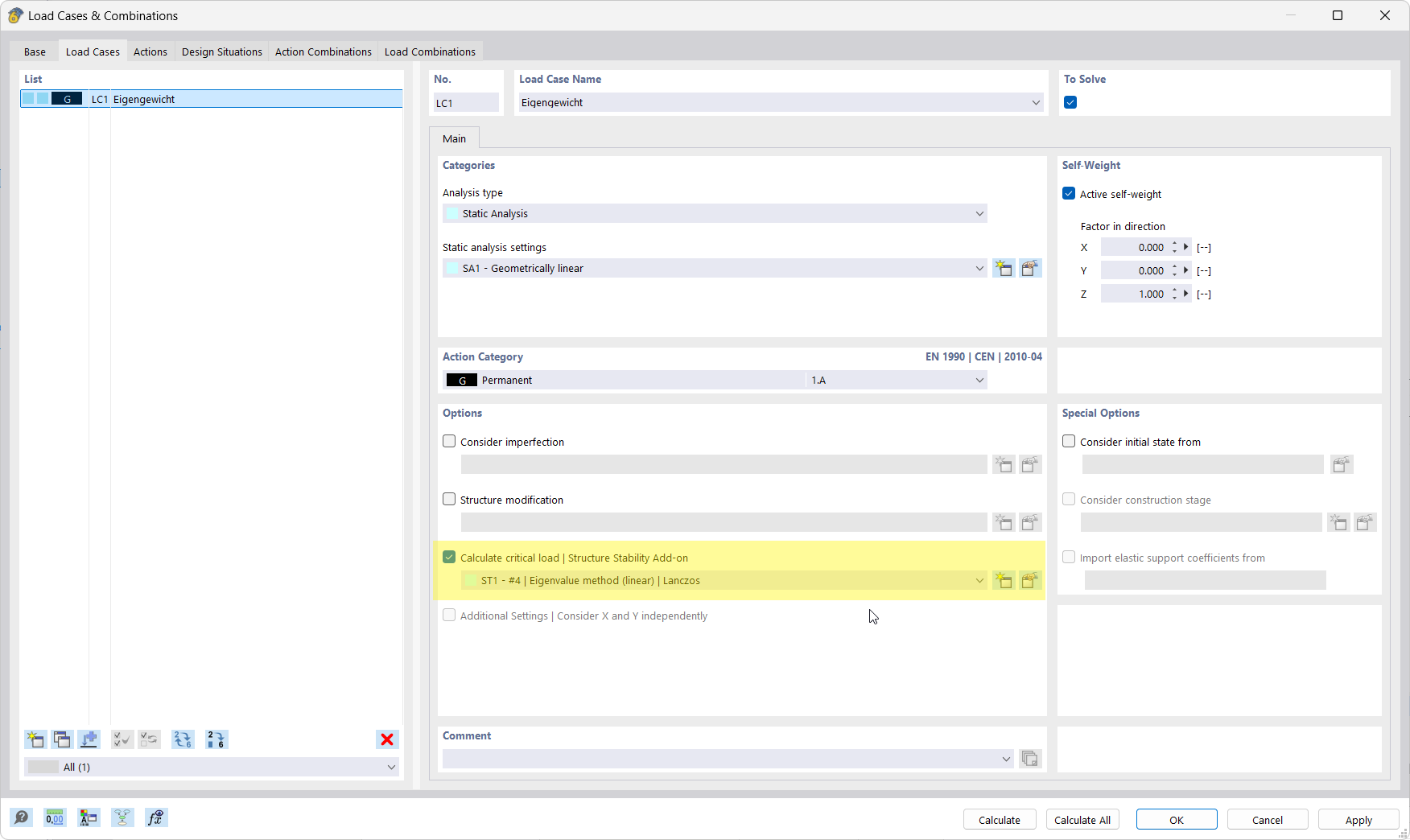
New Option for Load Cases | Add-on
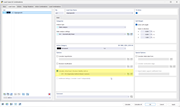
The application provides new options for load cases after activating the add-on.
The image shows a software interface in which an updated load case function is presented. A newly implemented option has been added to the menu for configuring load cases. Technical parameters are clearly displayed. This feature improves load case management.
2025-03-05
055667
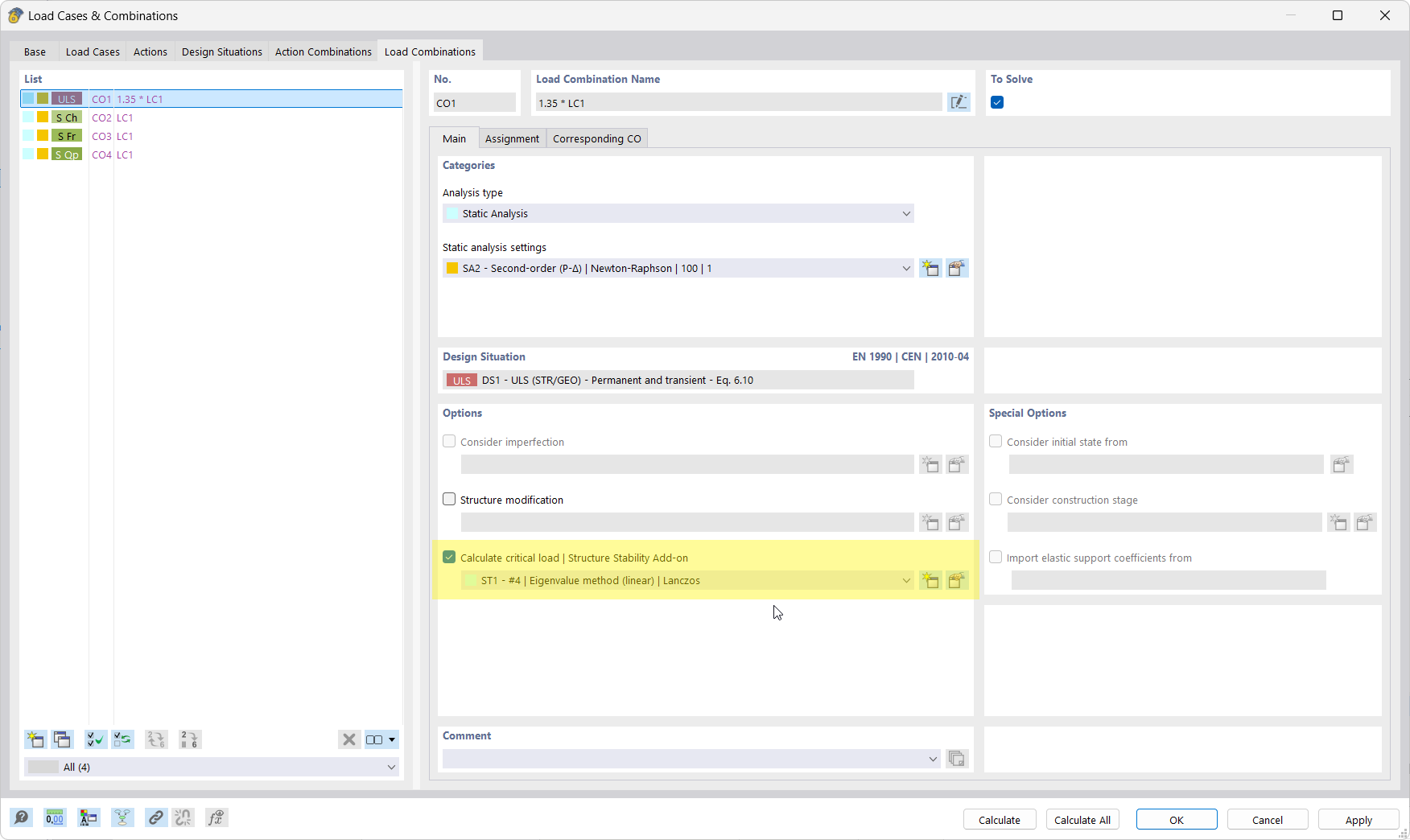
Advanced Load Combinations | Add-on Options
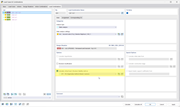
The image shows newly activated options for load combinations using an add-on.
The image shows a user interface with additional options for load case combinations. The parameters and settings that are visible after activating a specific add-on are displayed. The new features allow for more precise customization of the evaluation.