2025-03-05
055668
Stability Analysis Settings | Main Tab
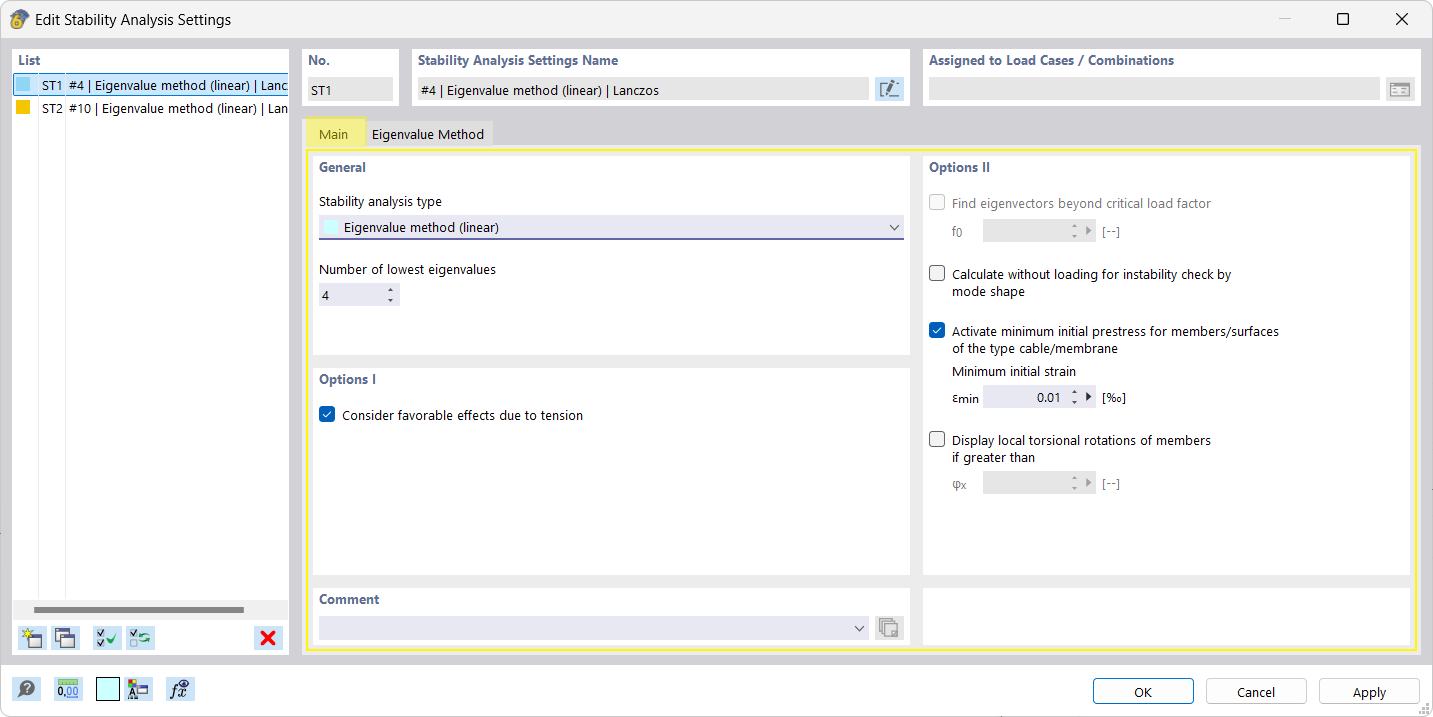
The image shows stability analysis settings in the Main tab.
The image shows a configuration window in which the options for setting up the stability analysis are presented in the “Base” tab. Various control elements, such as input boxes, checkboxes, and drop-down menus allow for the analysis parameters to be set.