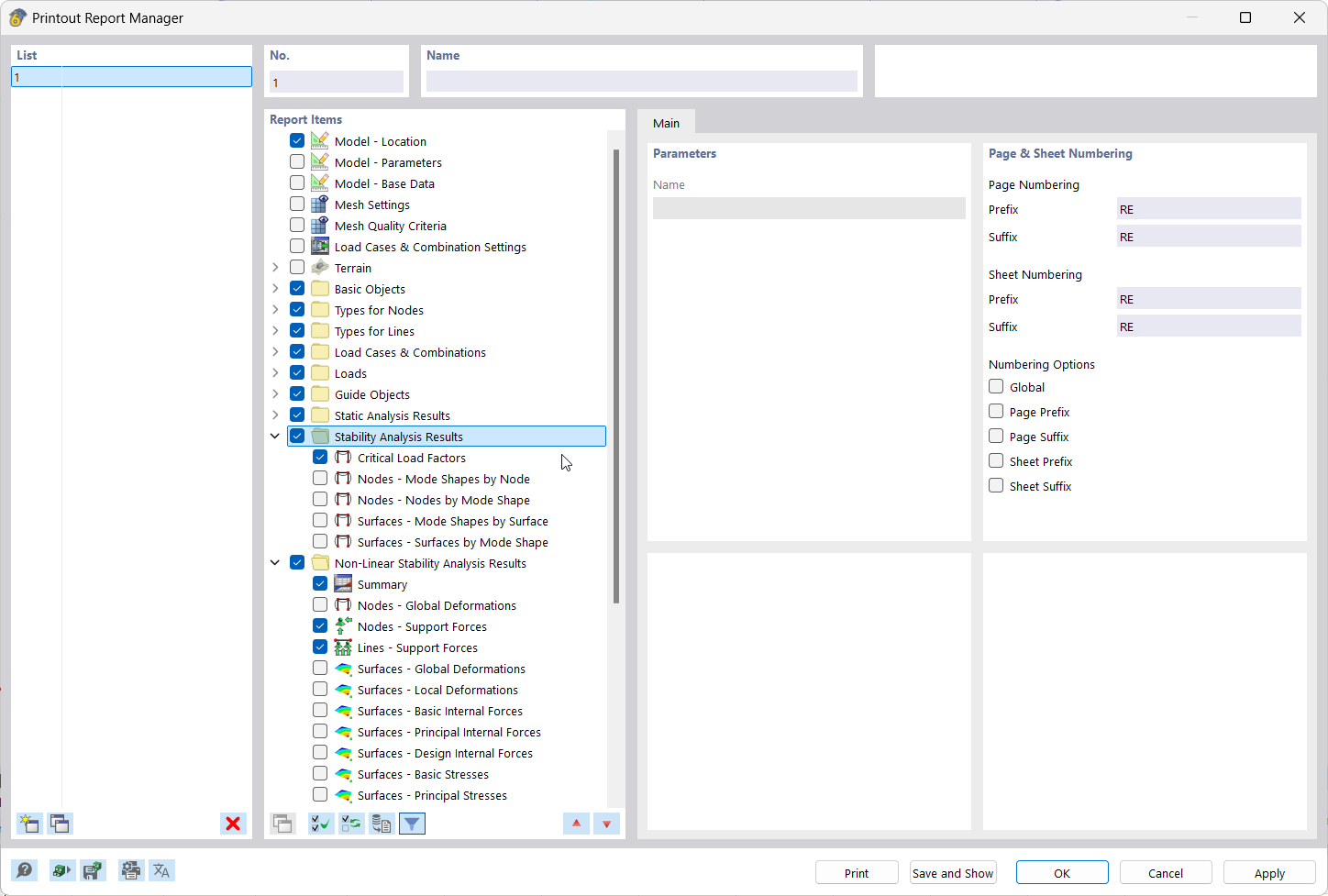
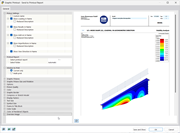
The image shows how report elements are selected in the Printout Report Manager.
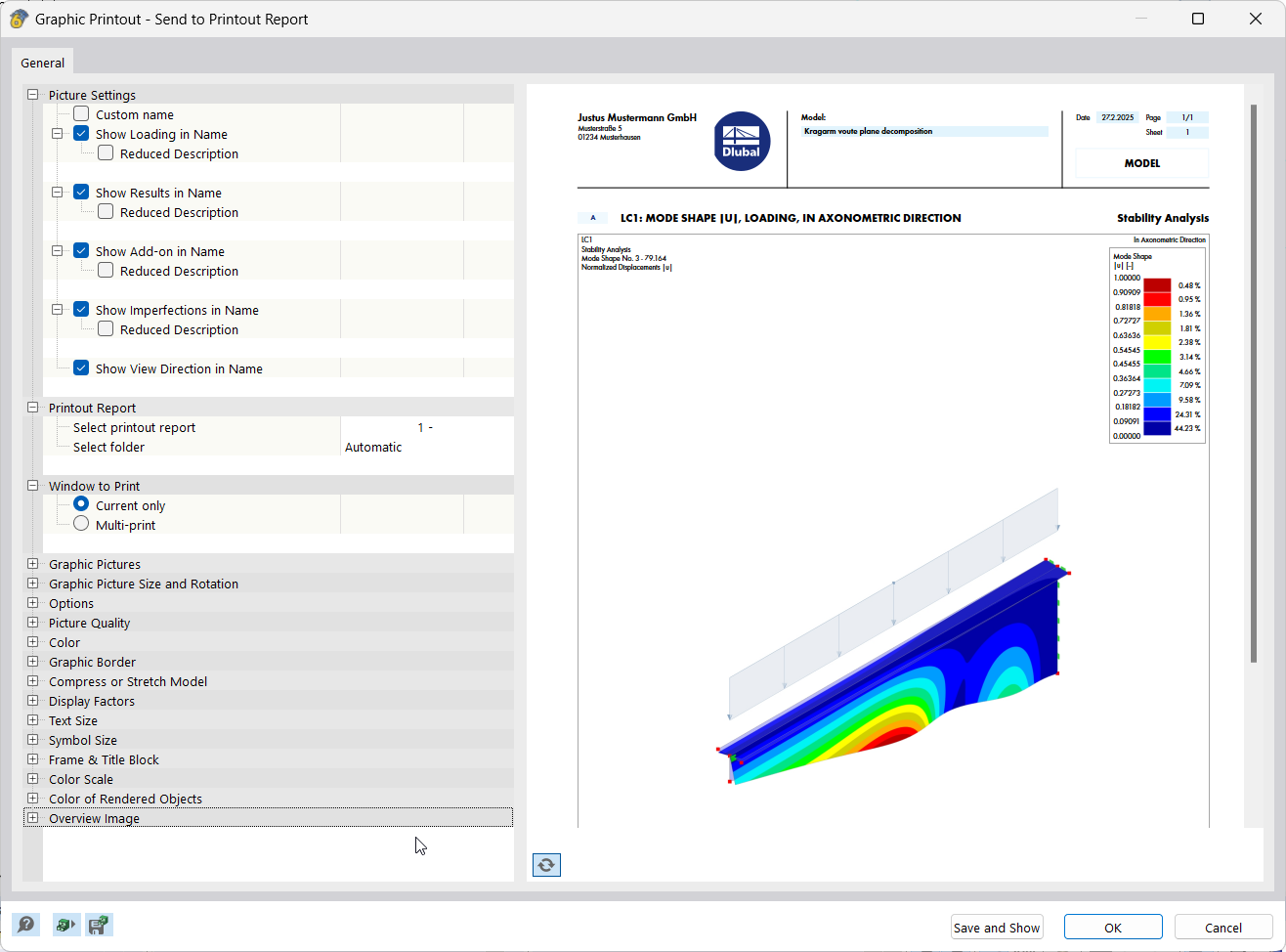
The application documents results by integrating graphics into the printout report.
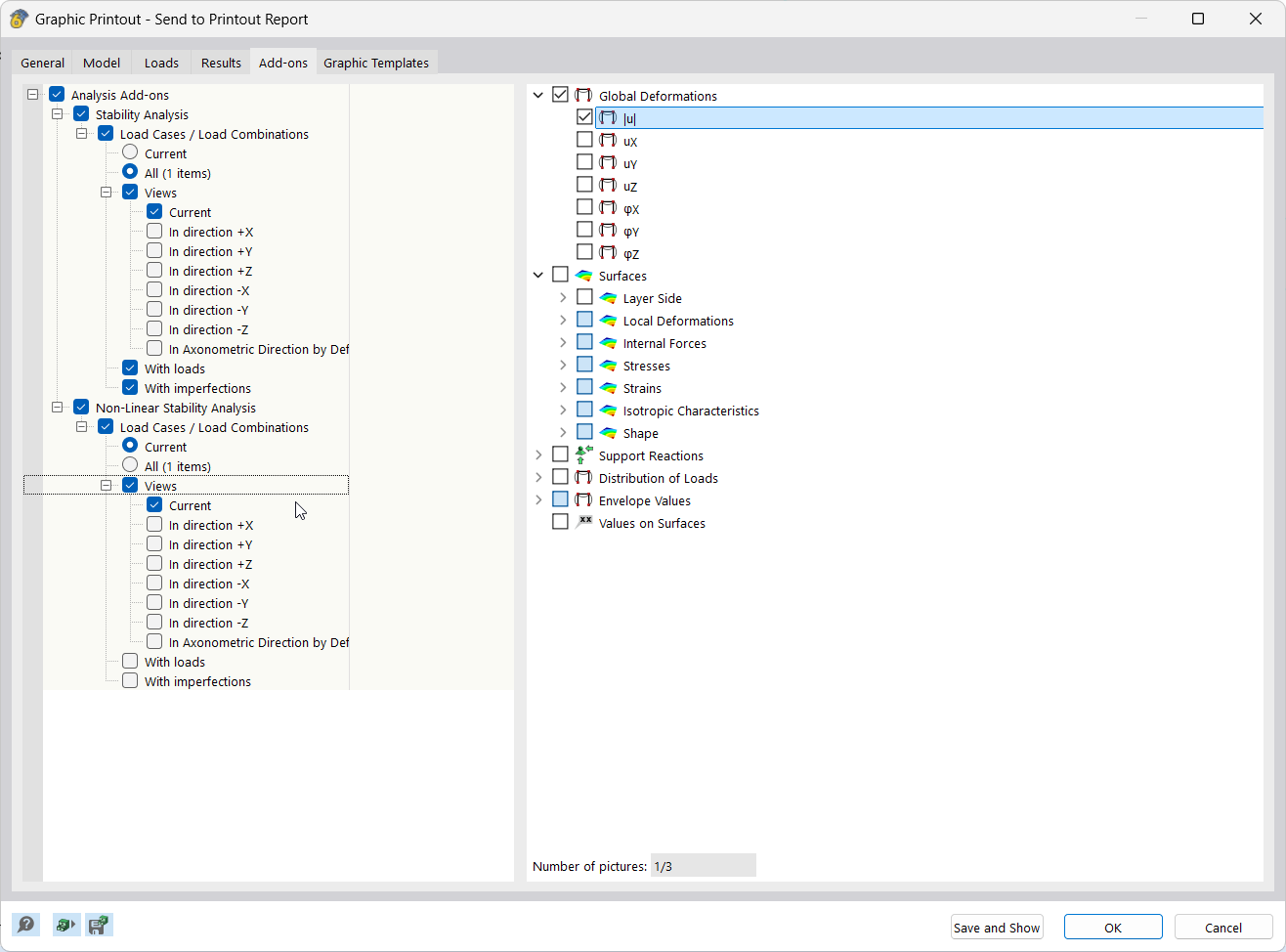
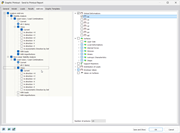
The image shows a user interface for creating and editing multi-prints.
The image shows how report elements are selected in the Printout Report Manager.
The application documents results by integrating graphics into the printout report.
The image shows a user interface for creating and editing multi-prints.
2025-03-05
055682
  • RFEM 6
  • Structural Analysis & Design
  • Finite Element Analysis
    • Stability Analysis

Result Report | Printout Report Manager

The image shows how report elements are selected in the Printout Report Manager.

The display shows the software surface of the Printout Report Manager, in which report elements for documenting the results are selected. Clear functional areas and control panels for controlling report data are shown.
  • Printout report items in Printout Report Manager
  • Documentation of results
  • Selection of printout report data
  • Software user interface
Share
2025-03-05
055683
  • RFEM 6
  • Structural Analysis & Design
  • Finite Element Analysis
    • Stability Analysis
Documentation of Results | Printout Report Graphics
The application documents results by integrating graphics into the printout report.

The feature integrates result graphics directly into the printout report, allowing for precise documentation. The feature supports the structured transfer of visualizations into reports.
  • Documentation of the results
  • including graphics in the printout report
Share
2025-03-05
055684
  • RFEM 6
  • Structural Analysis & Design
  • Finite Element Analysis
    • Stability Analysis
Result Documentation | Multi-Print
The image shows a user interface for creating and editing multi-prints.

The image shows a screen for configuring and editing multi-prints. Various setting options for result documentation are displayed. The interface provides direct input options for simulating the print output.
  • Documentation of results
  • Creating multi-prints
  • Editing multi-prints
  • User interface
  • Print configuration
  • Result documentation
Share