2026-04-20
062355
Activating Design Properties of Member
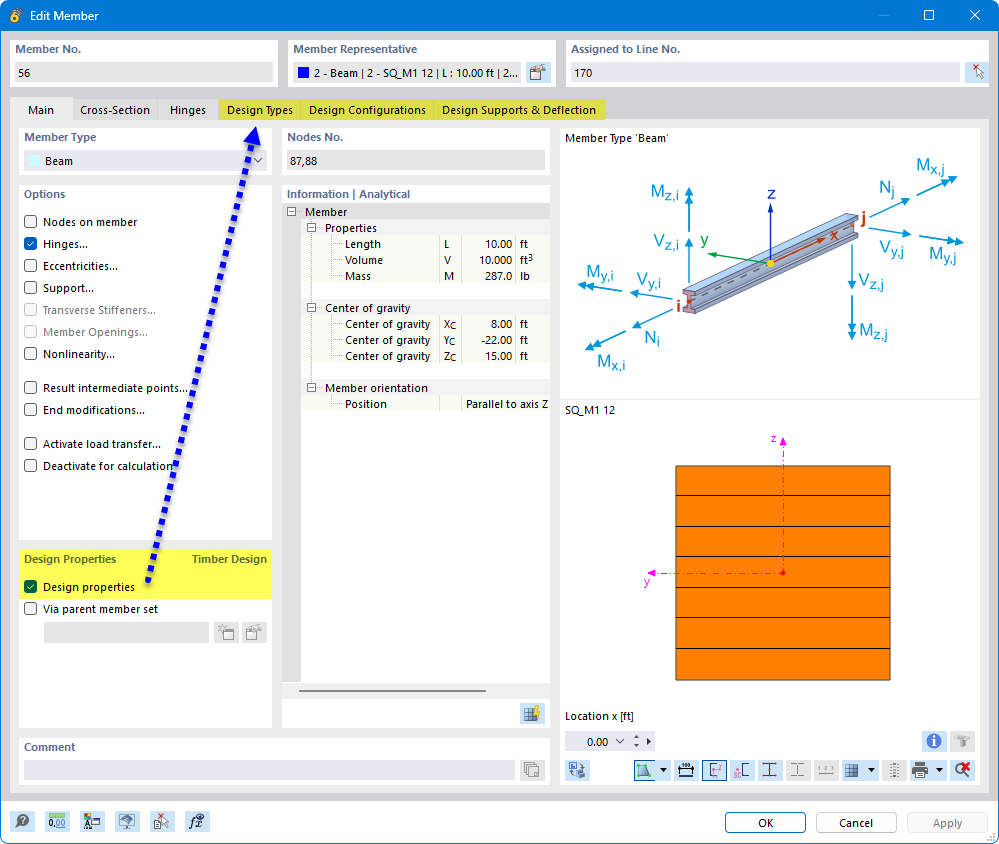
Activating design properties of a member
The image shows a dialog box in the design software where the design properties for a timber beam can be configured. Various input boxes and check boxes are visible, which are used to customize the material-related parameters. These options are crucial for optimizing timber structures. The dialog box allows users to make specific adjustments to the design.