2026-05-05
062568
Editing Menu for Solid Options
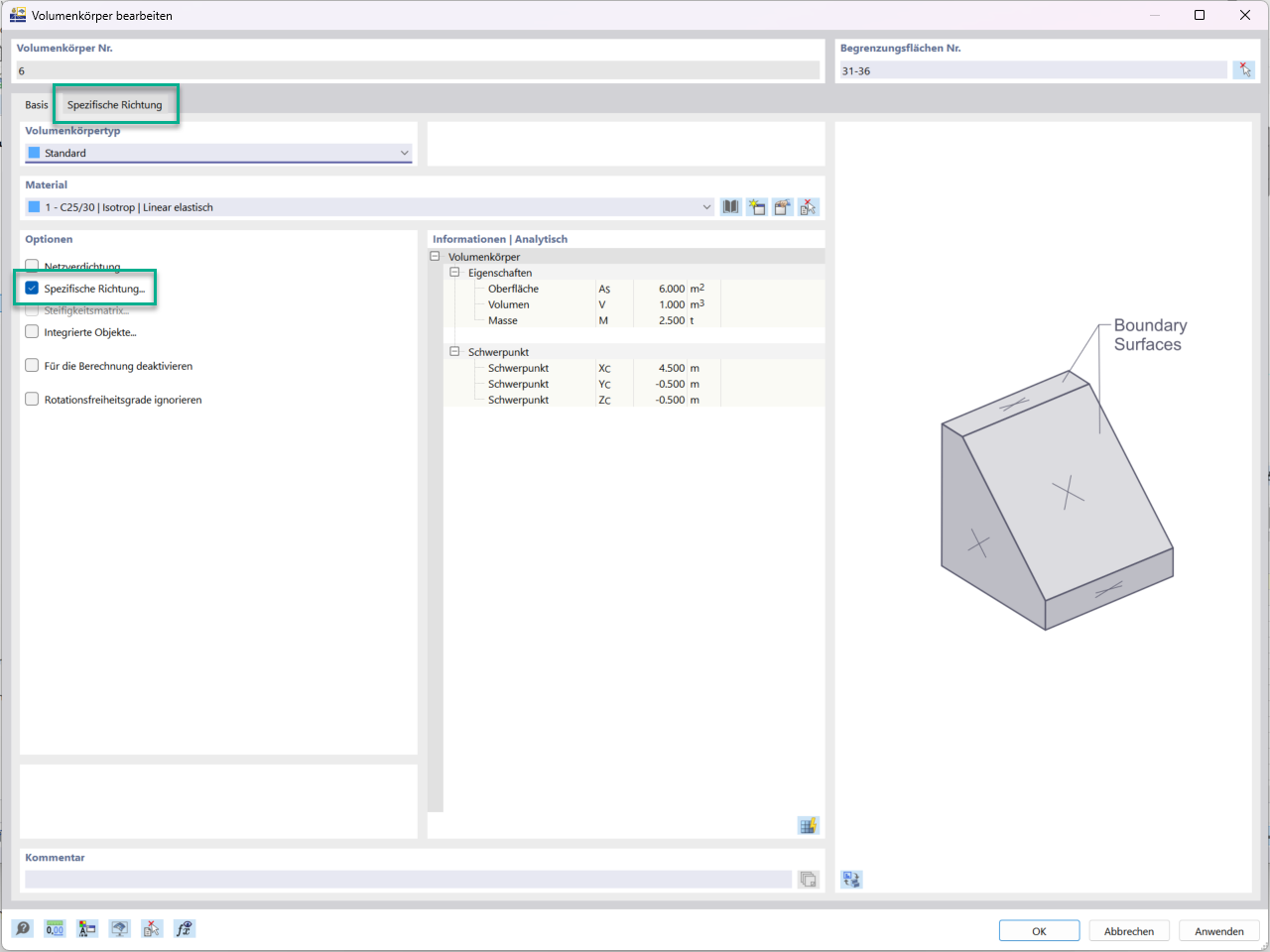
The “Specific Directions” option in the Edit menu is displayed for a solid.
The image shows a menu that shows the editing options for a solid. In this menu, the “Specific Directions...” option is highlighted. The screenshot highlights the available options for editing solid elements. It illustrates the customization options within a specific area of the engineering software.