2026-06-16
063201
Setting Component Series | Tab Main
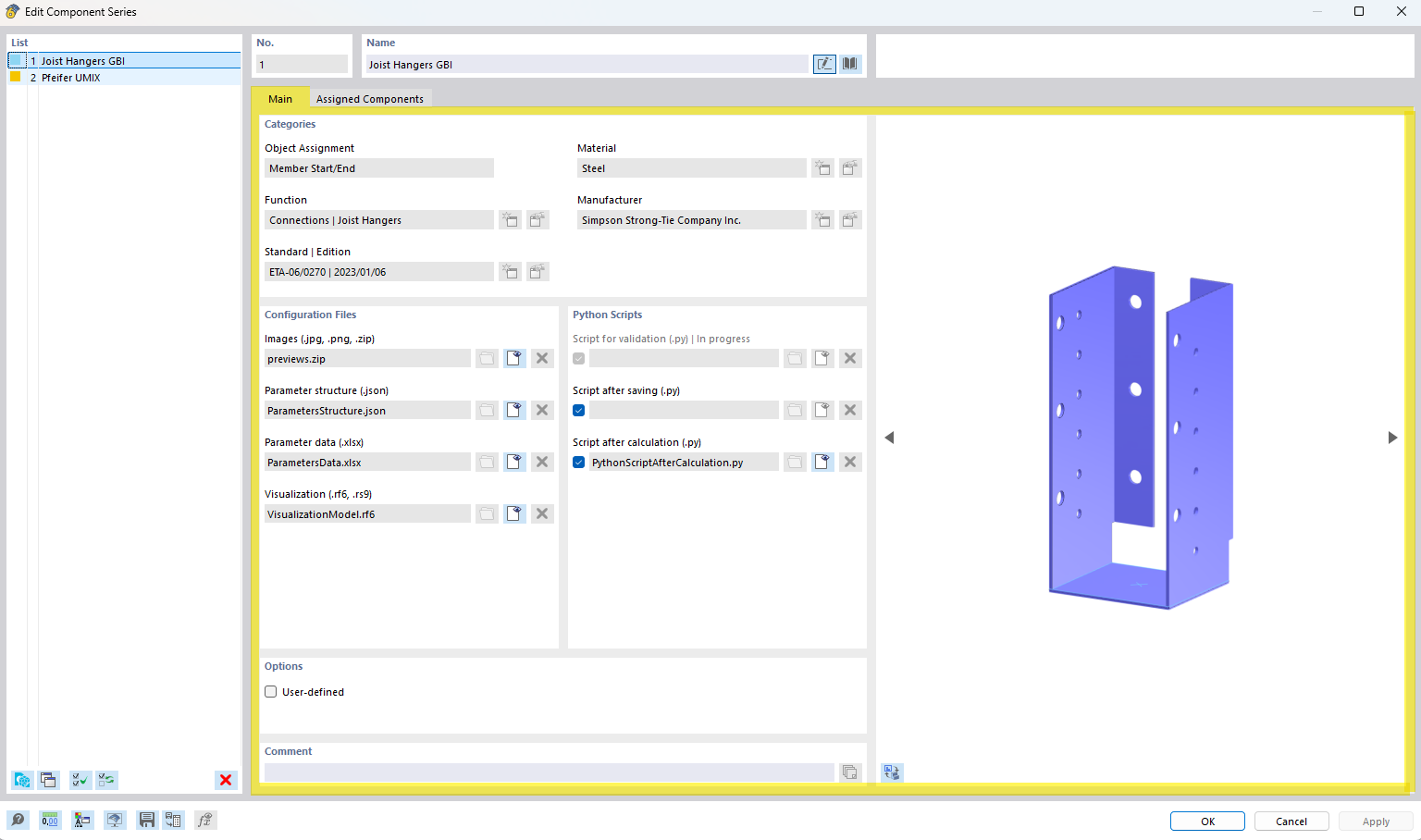
The image shows options for configuring the component series in the “Main” tab.
The image shows the settings for defining the component series in the “Main” tab. Users can enter and adjust specific parameters. These options allow for detailed configuration of technical details within the program.