2026-06-16
063203
Setting Component | Tab Main
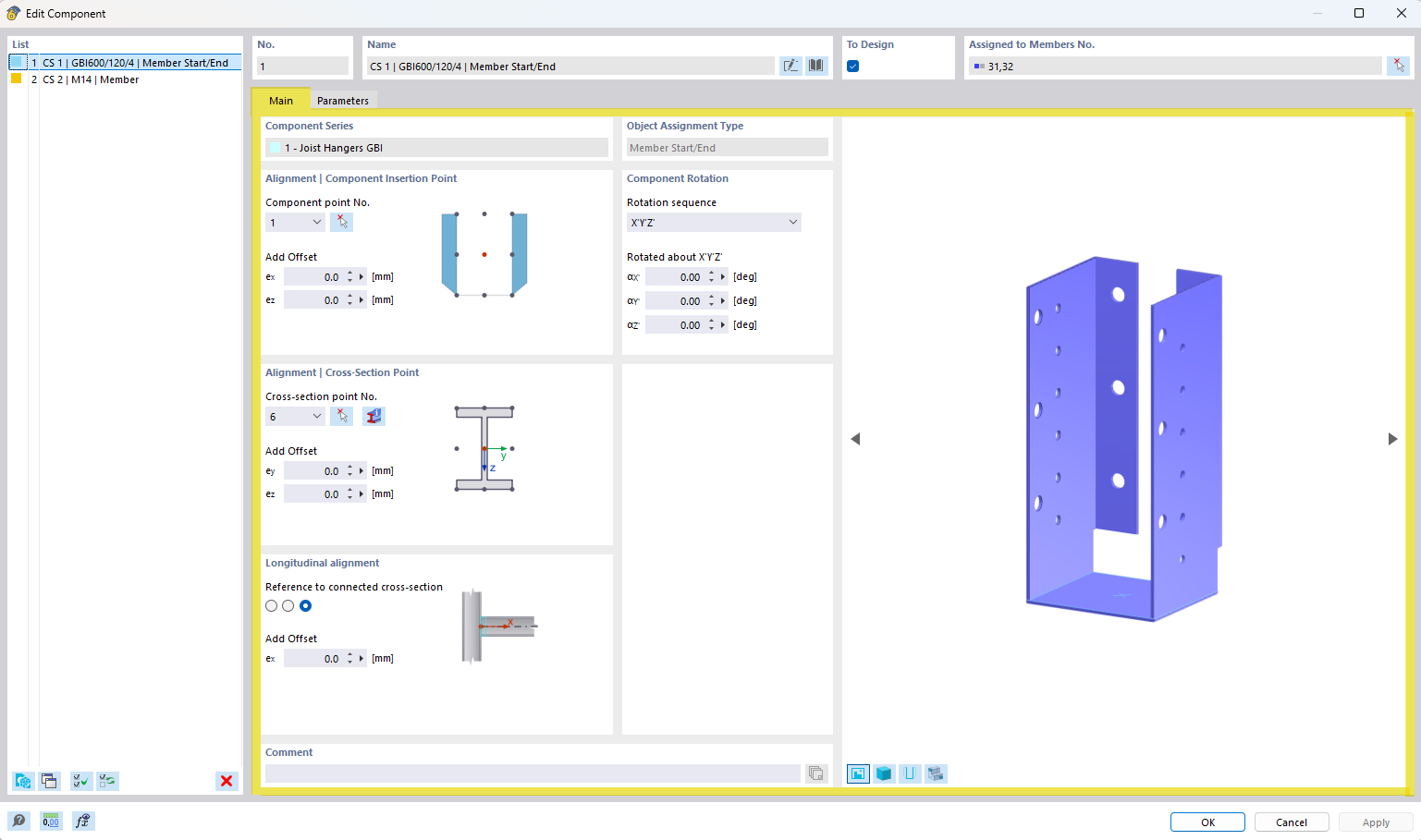
The image shows options for configuring the component in the “Main” tab.
The image shows a dialog box with various setting options for a structural component in the Main section. The options shown appear to be specific to the configuration of the component. Several selection and input boxes are visible, which define specific parameters. This view helps the user set up technical details during the modeling process.