2026-06-24
063317
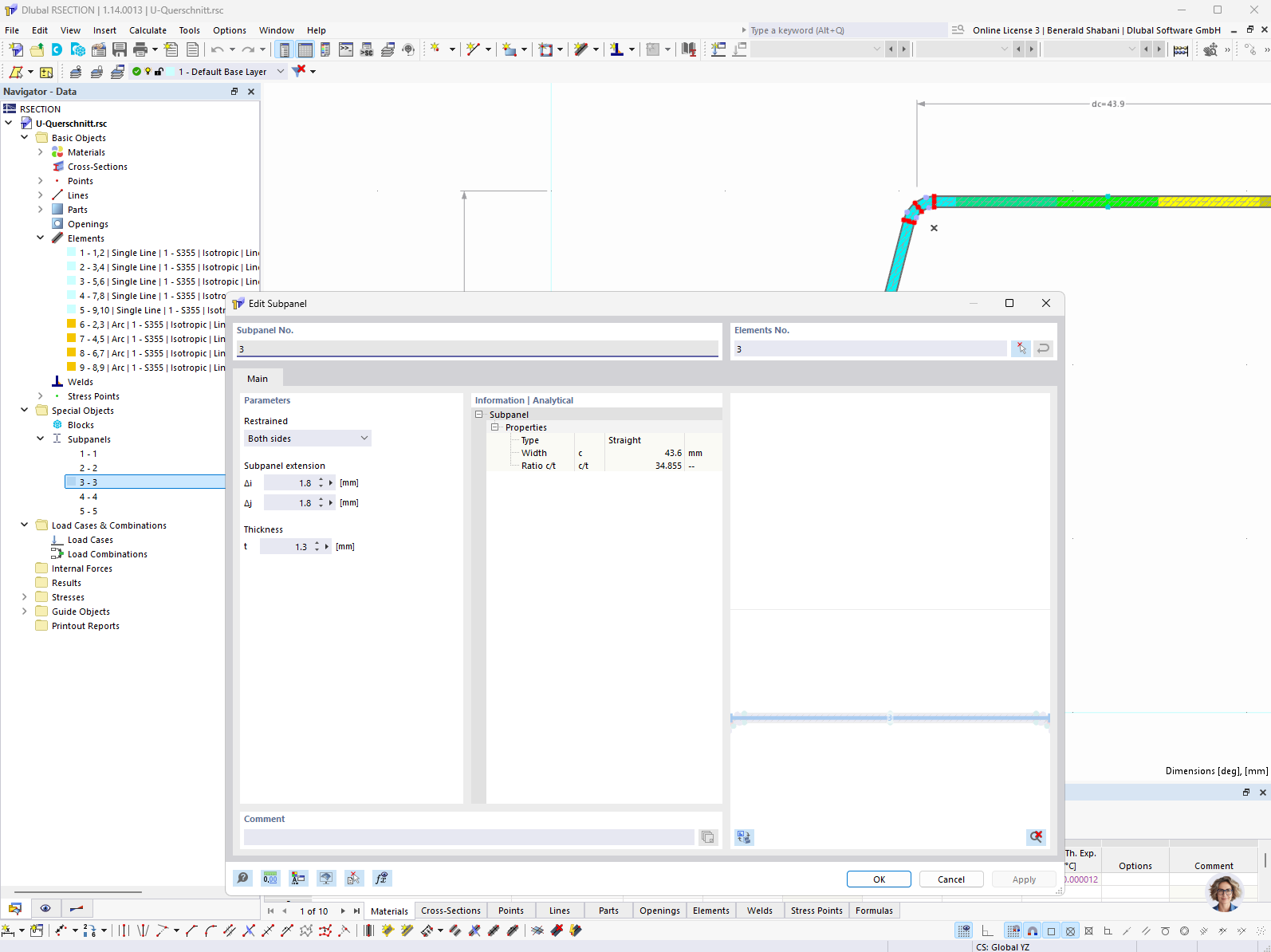
Editing Single Panel in RSECTION
Editing single panels in RSECTION by manually defining and setting support conditions and panel dimensions.
In RSECTION, single panels can be manually defined for the calculation of effective cross-sections. The software allows users to individually specify the associated elements, support conditions, and extensions and shortening. The thickness of these elements can also be adjusted. This allows for flexible and precise modeling of cross-sections for various structural requirements.