2026-08-17
064378
Cropping Graphic in Printout Report
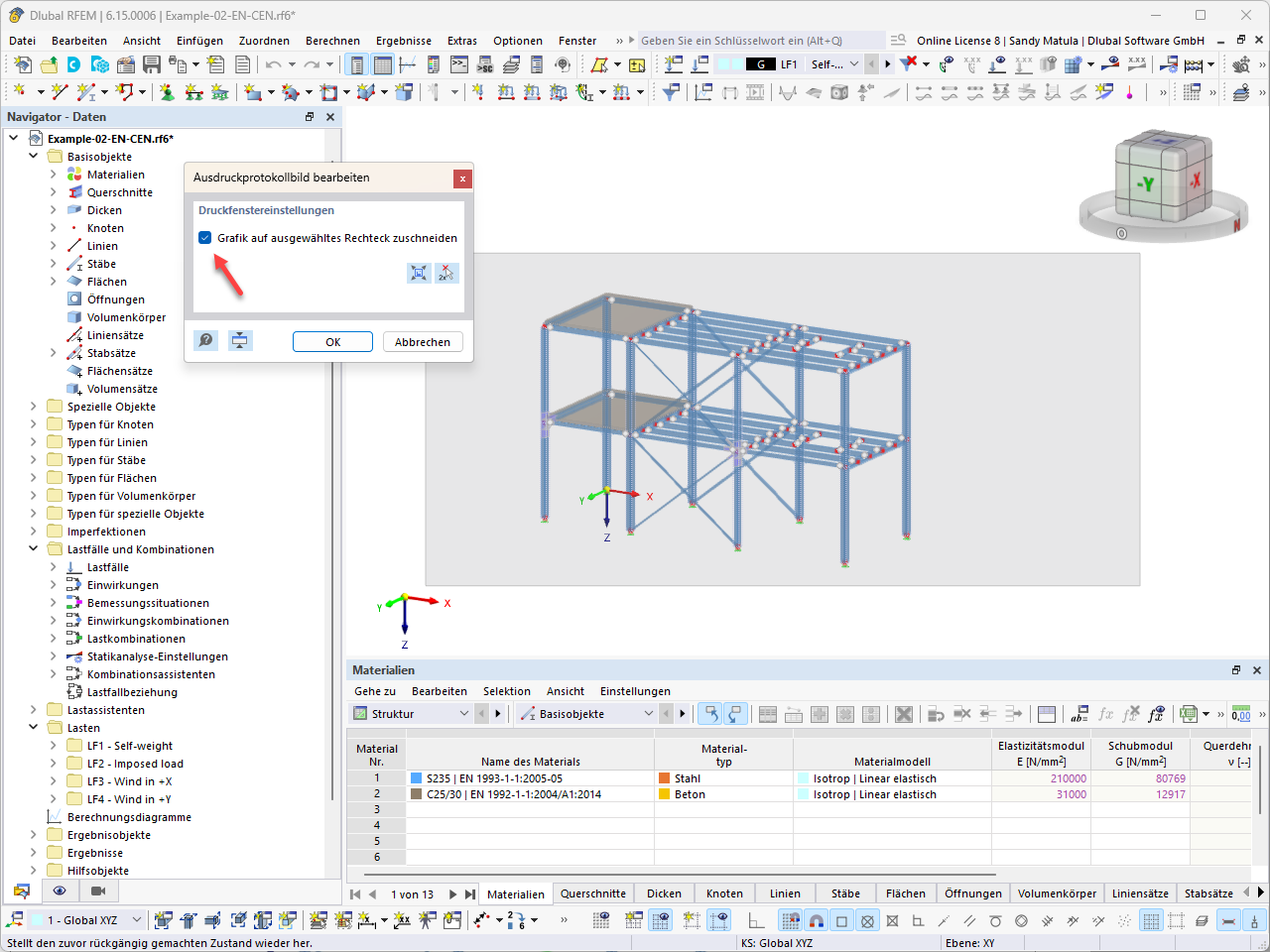
A dialog box for editing the printout report image with the option to crop the graphic to a selected rectangle activated.
The “Edit Printout Report” dialog box is open in the RFEM interface. The “Crop graphic to selected rectangle” option is activated. The model shows a multi-story steel frame with defined materials such as S235 and C25/30. Load cases for self-weight and wind loads are visible in the navigation window.