2026-08-21
064449
Assigning Objects to Layer
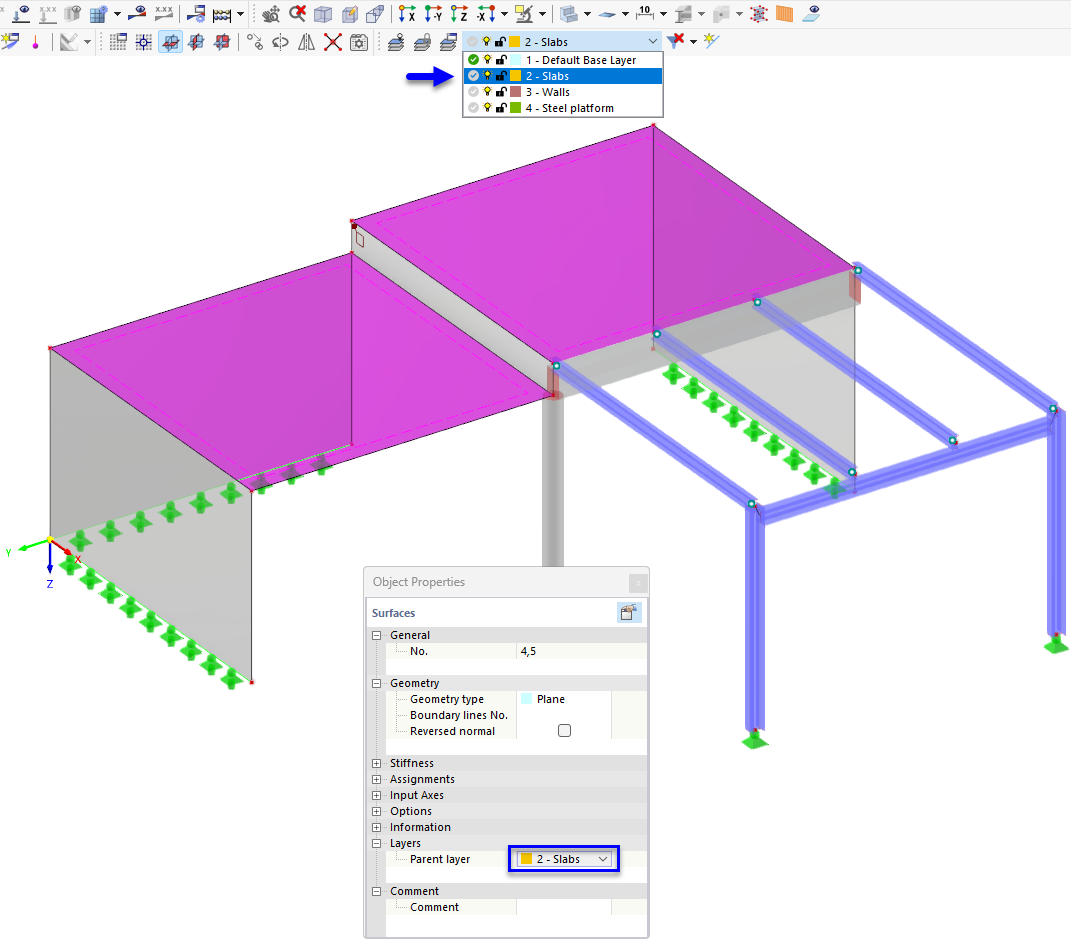
Assigning objects to a layer
The display of a 3D structural model consisting of columns, beams, and surfaces. An arrow points to the layer selection list in the main window, where the “2 - Slabs” layer is selected. In the “Object Properties” dialog box, the parent layer “2 - Ceilings” is displayed for the selected surface. This feature allows for the structured management and control of various model components using layers.