2026-11-16
065671
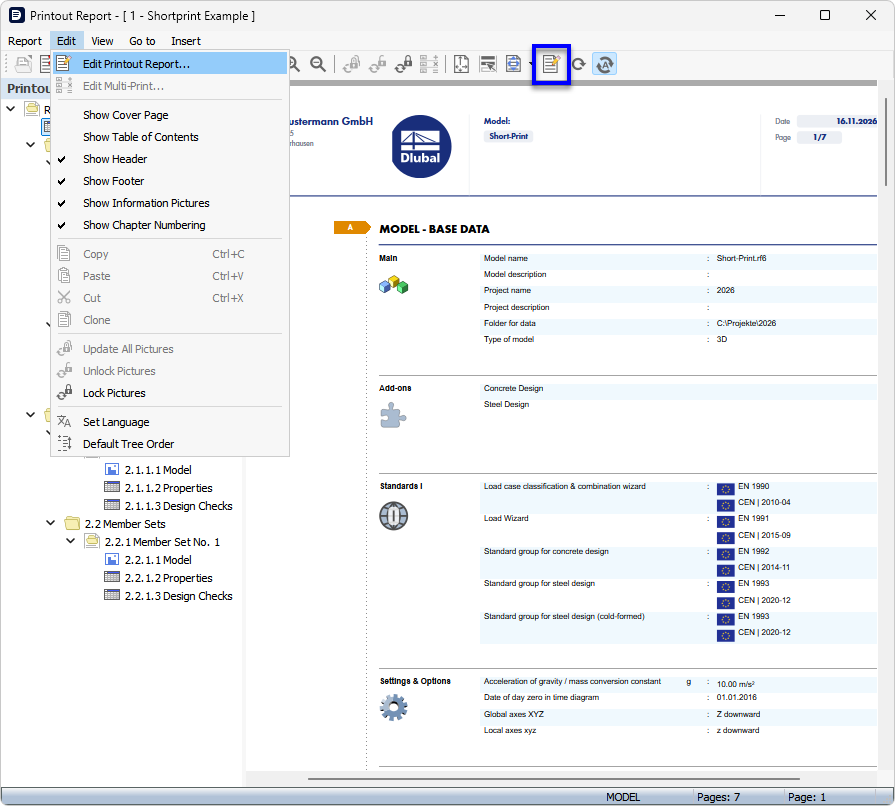
Menu Function and Button 'Edit Printout Report'
Menu function and button 'Edit Printout Report'
The image shows the opened printout report of a model with the 'Edit' menu, in which the feature 'Edit Printout Report' is highlighted as selected. This allows options such as showing the cover sheet, showing the header and footer, showing information images, and the chapter numbering to be activated or deactivated. The feature allows the adjustment of the printout before printing or exporting the printout report. On the right, the preview of the short printout with the chapter 'Model – Base Data' is visible, which lists the model name, project name, used add-ons (Concrete Design, Steel Design), and assigned standards such as EN 1990 and EN 1993. At the bottom, the number of faces (10) and the current face (1) are specified.