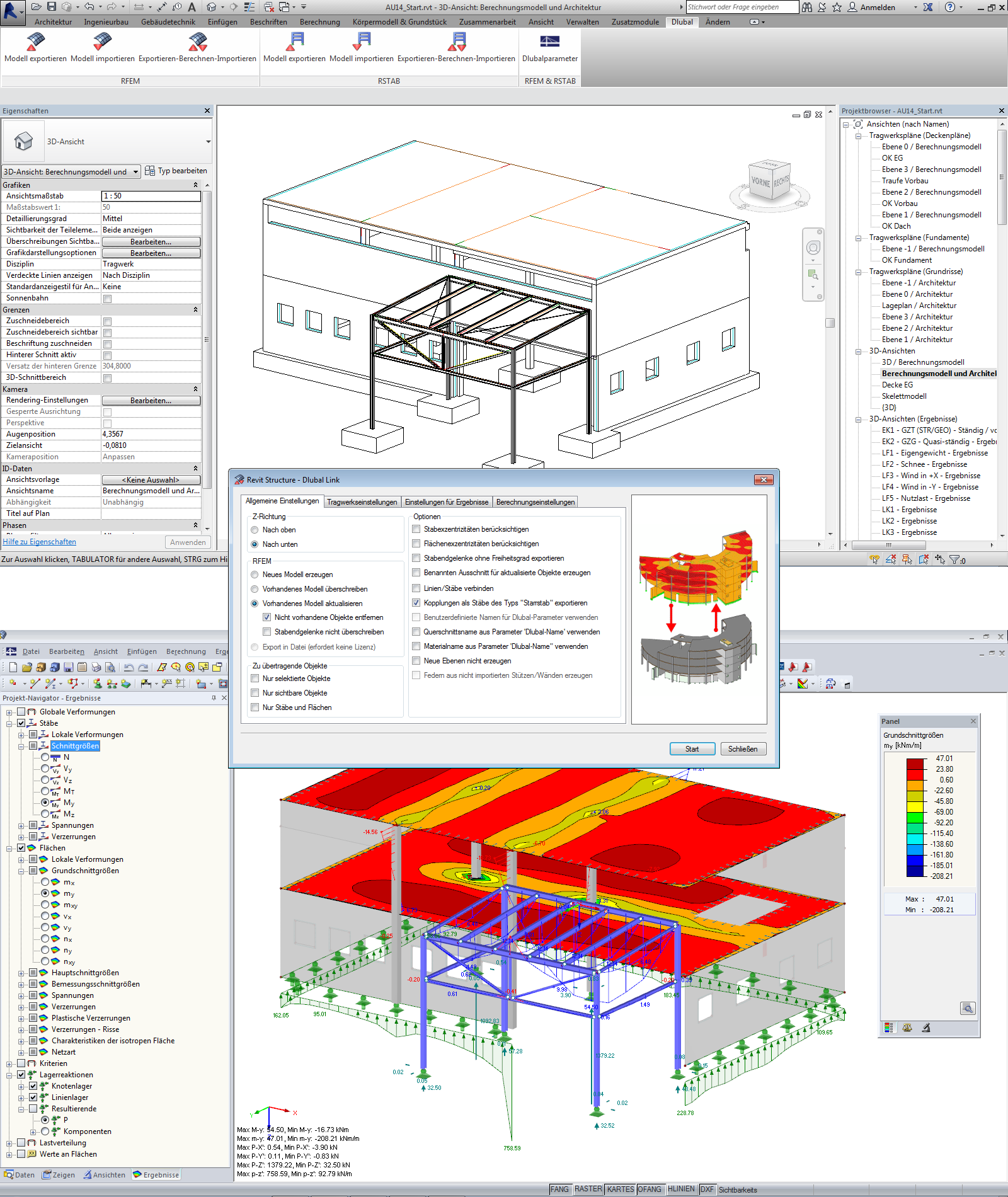
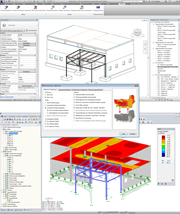
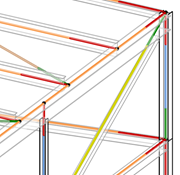
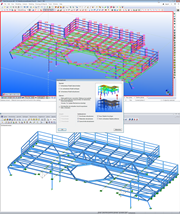
Above: BIM model with integrated structural objects in Autodesk Revit Structure. Center: Control dialog box for transferring the analysis model from Revit Structure to RFEM. Bottom: Calculated analysis model in RFEM
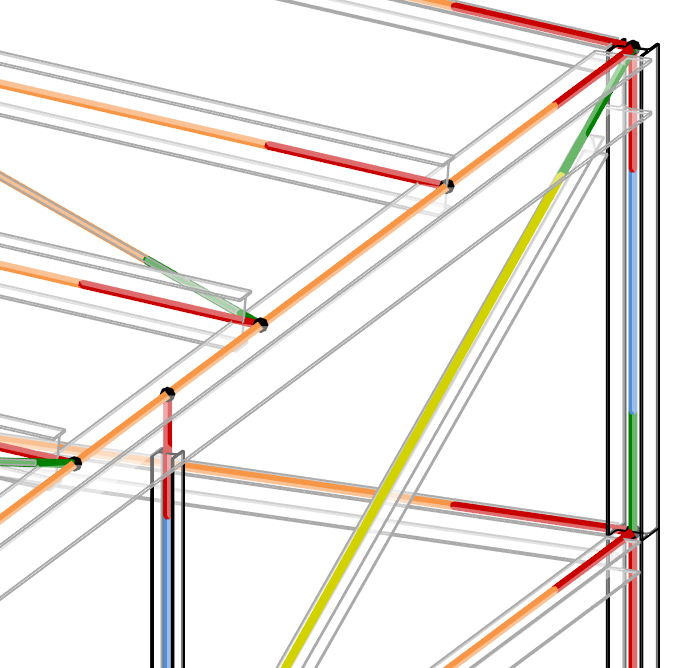
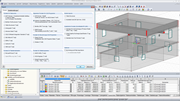
BIM advantage: in Revit, the position of system lines and FE nodes of structural components can be defined in the physical model. This model can be imported directly to RFEM.
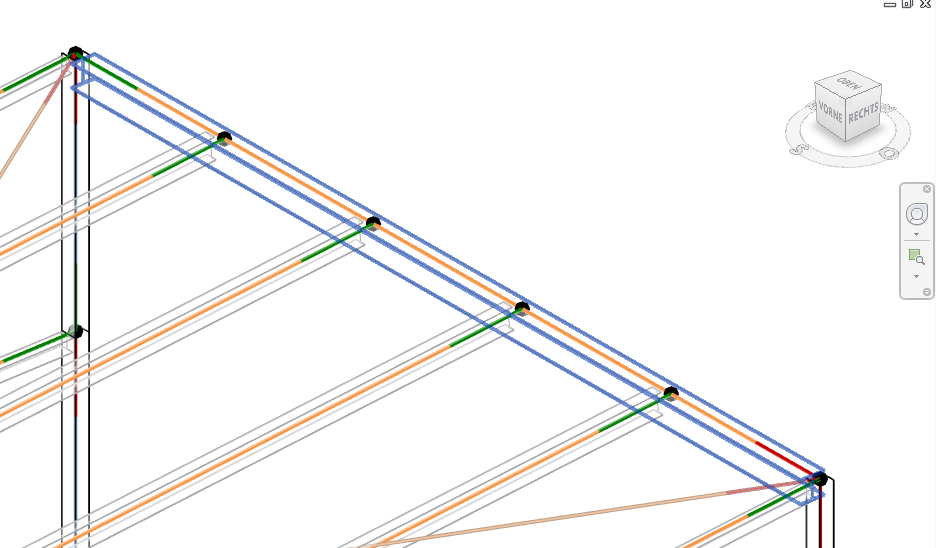
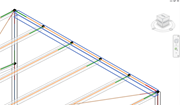
Differences between the BIM model and the structural model: the cross beam describes a physical structural component. In the structural analysis model, it becomes either five analytical members, or the FEM mesh-linker must be able to recognize the nodes lying on the beam line for meshing them accordingly.
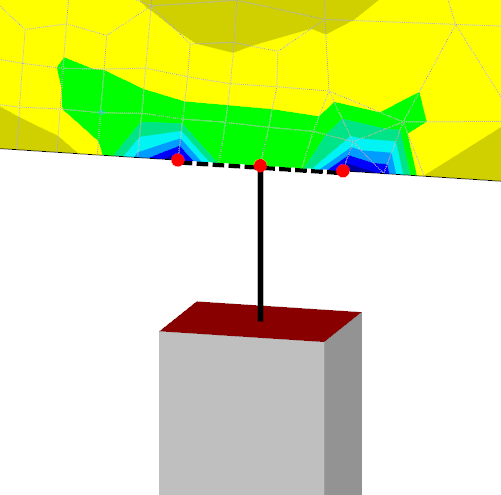
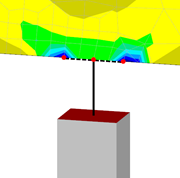
Differences between the BIM model and the structural model: the connection of a column via three nodes and horizontal, rigid member elements on a wall
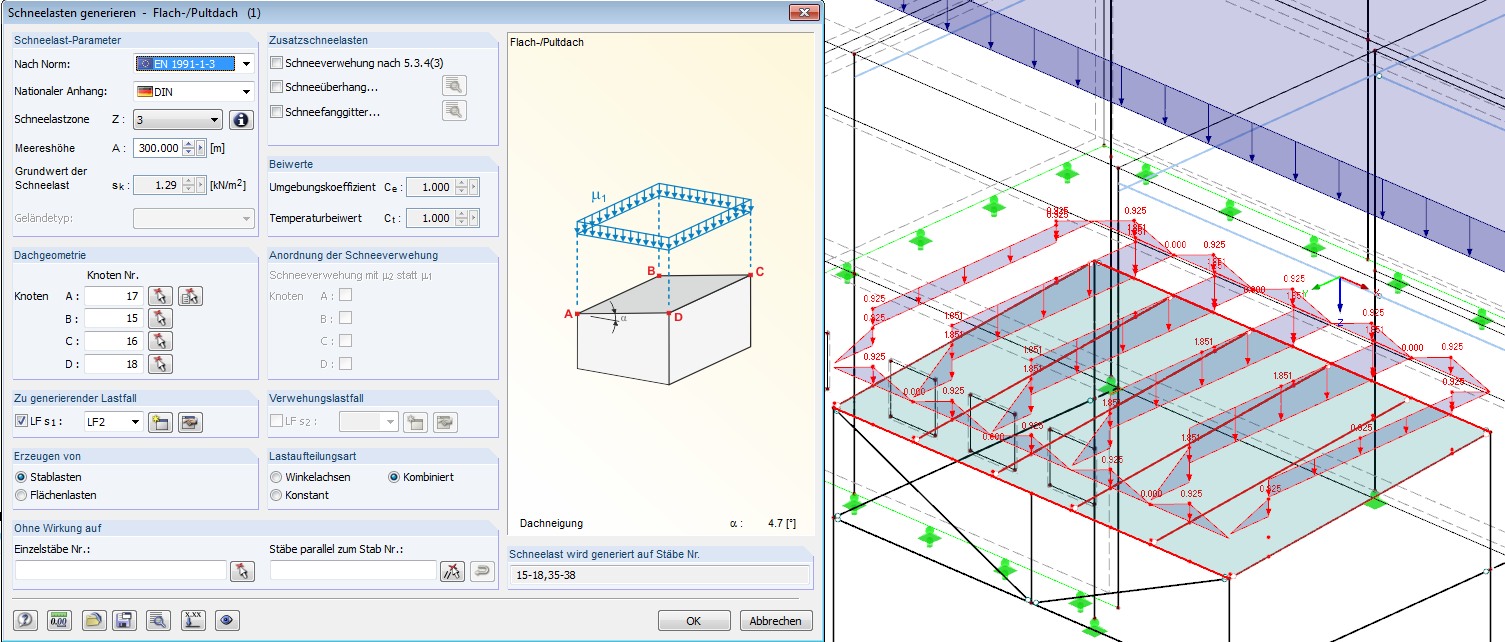
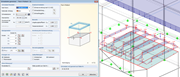
"Snow Load" structural analysis object in RFEM: this cannot be identically represented in BIM software or interface (for example, IFC Structural Analysis View). The intelligence of the object is lost if it is resolved in line and trapezoidal loads without reference to the snow load zone.
BIM
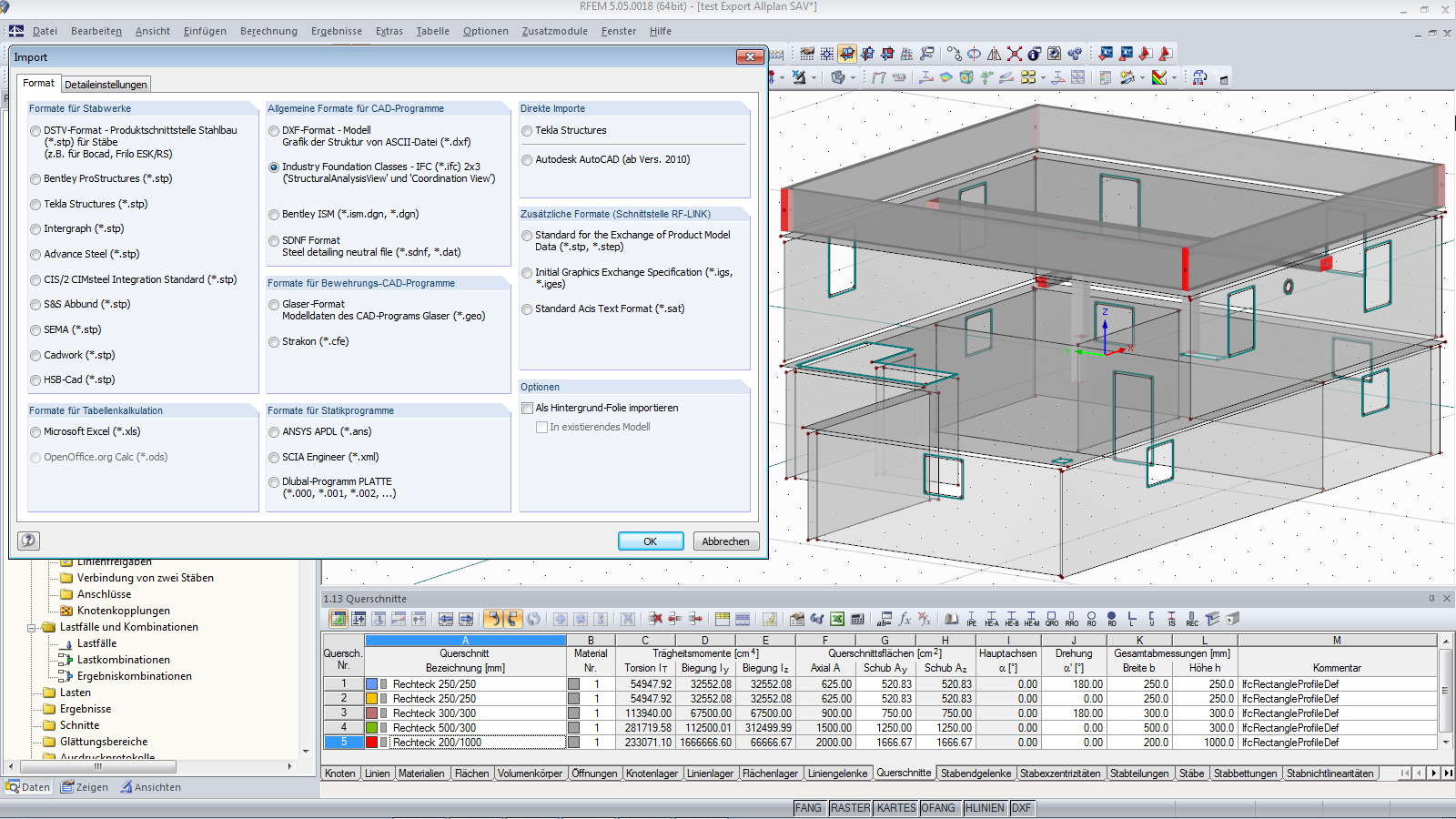
IFC as an international standard for data exchange. For structural planning, the data of the "Structural Analysis View" must be written.
Above: BIM model with integrated structural objects in Autodesk Revit Structure. Center: Control dialog box for transferring the analysis model from Revit Structure to RFEM. Bottom: Calculated analysis model in RFEM
BIM advantage: in Revit, the position of system lines and FE nodes of structural components can be defined in the physical model. This model can be imported directly to RFEM.
Differences between the BIM model and the structural model: the cross beam describes a physical structural component. In the structural analysis model, it becomes either five analytical members, or the FEM mesh-linker must be able to recognize the nodes lying on the beam line for meshing them accordingly.
Differences between the BIM model and the structural model: the connection of a column via three nodes and horizontal, rigid member elements on a wall
"Snow Load" structural analysis object in RFEM: this cannot be identically represented in BIM software or interface (for example, IFC Structural Analysis View). The intelligence of the object is lost if it is resolved in line and trapezoidal loads without reference to the snow load zone.
BIM
IFC as an international standard for data exchange. For structural planning, the data of the "Structural Analysis View" must be written.
2024-05-30
010073
  • RFEM 5
  • RSTAB 8
  • Building Information Modeling (BIM)

Above: BIM model with integrated structural objects in Autodesk Revit Structure. Center: Control dialog box for transferring the analysis model from Revit Structure to RFEM. Bottom: Calculated analysis model in RFEM

Used in
  • BIM in Structural Engineering: Planning process, possibilities, and opportunities
Share
2024-05-30
010074
  • RFEM 5
  • RSTAB 8
  • Building Information Modeling (BIM)
BIM advantage: in Revit, the position of system lines and FE nodes of structural components can be defined in the physical model. This model can be imported directly to RFEM.
Used in
  • BIM in Structural Engineering: Planning process, possibilities, and opportunities
Share
2024-05-30
010075
  • RFEM 5
  • RSTAB 8
  • Building Information Modeling (BIM)
Differences between the BIM model and the structural model: the cross beam describes a physical structural component. In the structural analysis model, it becomes either five analytical members, or the FEM mesh-linker must be able to recognize the nodes lying on the beam line for meshing them accordingly.
Used in
  • BIM in Structural Engineering: Planning process, possibilities, and opportunities
Share
2024-05-30
010076
  • RFEM 5
  • RSTAB 8
  • Building Information Modeling (BIM)
Differences between the BIM model and the structural model: the connection of a column via three nodes and horizontal, rigid member elements on a wall
Used in
  • BIM in Structural Engineering: Planning process, possibilities, and opportunities
Share
2024-05-30
010077
  • RFEM 5
  • RSTAB 8
  • Building Information Modeling (BIM)
"Snow Load" structural analysis object in RFEM: this cannot be identically represented in BIM software or interface (for example, IFC Structural Analysis View). The intelligence of the object is lost if it is resolved in line and trapezoidal loads without reference to the snow load zone.
Used in
  • BIM in Structural Engineering: Planning process, possibilities, and opportunities
Share
2024-05-30
010078
  • RFEM 5
  • RSTAB 8
  • Building Information Modeling (BIM)
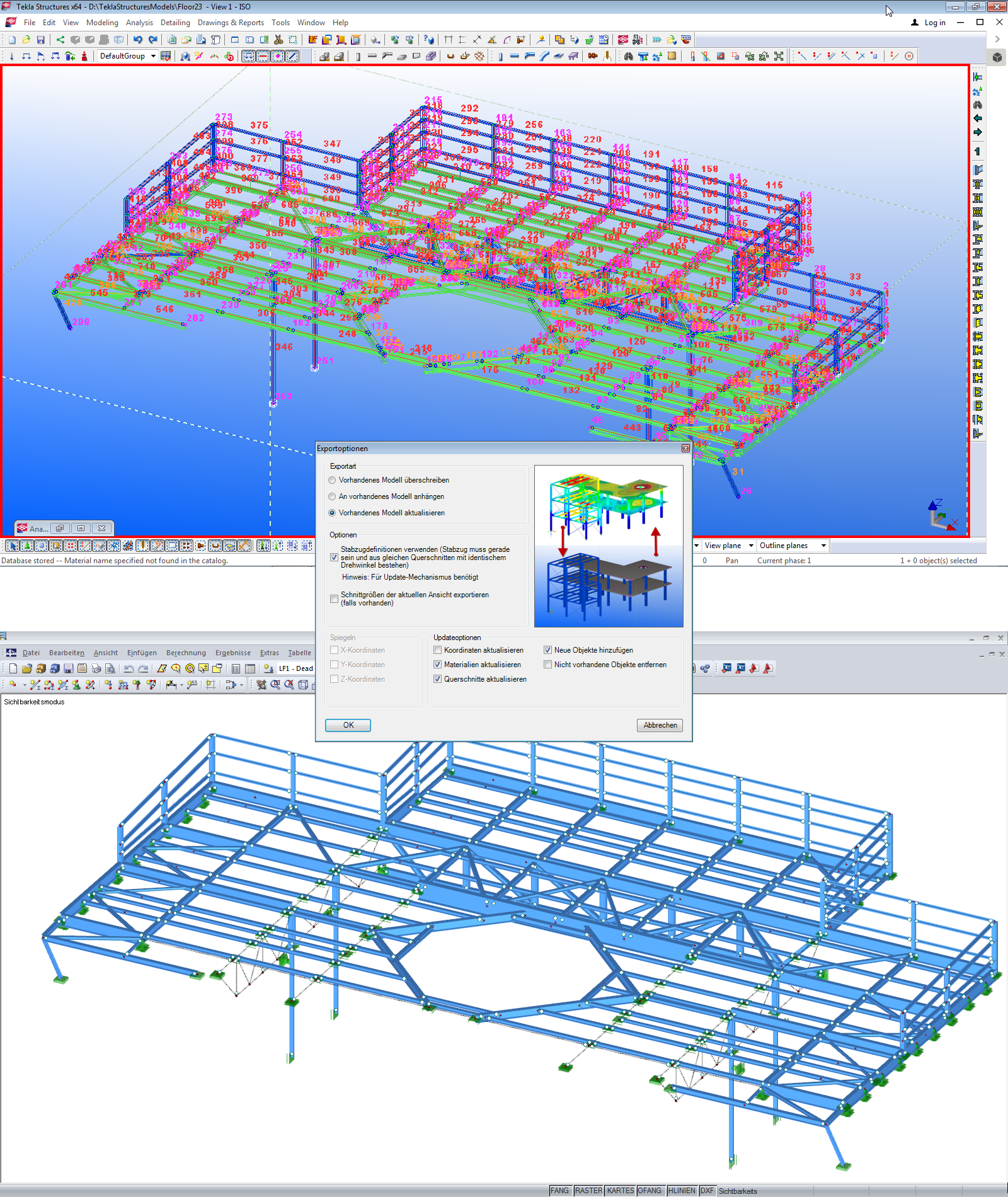
Building Information Modeling (BIM) | Data Exchange Between RFEM/RSTAB and Tekla
BIM

Used in
  • BIM in Structural Engineering: Planning process, possibilities, and opportunities
Share
2024-05-30
010079
  • RFEM 5
  • RSTAB 8
  • Building Information Modeling (BIM)
IFC als internationaler Standard für Datenaustausch. Für die Tragwerksplanung müssen die Daten des "Structural Analysis View" geschrieben werden
IFC as an international standard for data exchange. For structural planning, the data of the "Structural Analysis View" must be written.

Used in
  • BIM in Structural Engineering: Planning process, possibilities, and opportunities
Share