2025-08-26
058586
Import Model Location from Map in RFEM 6
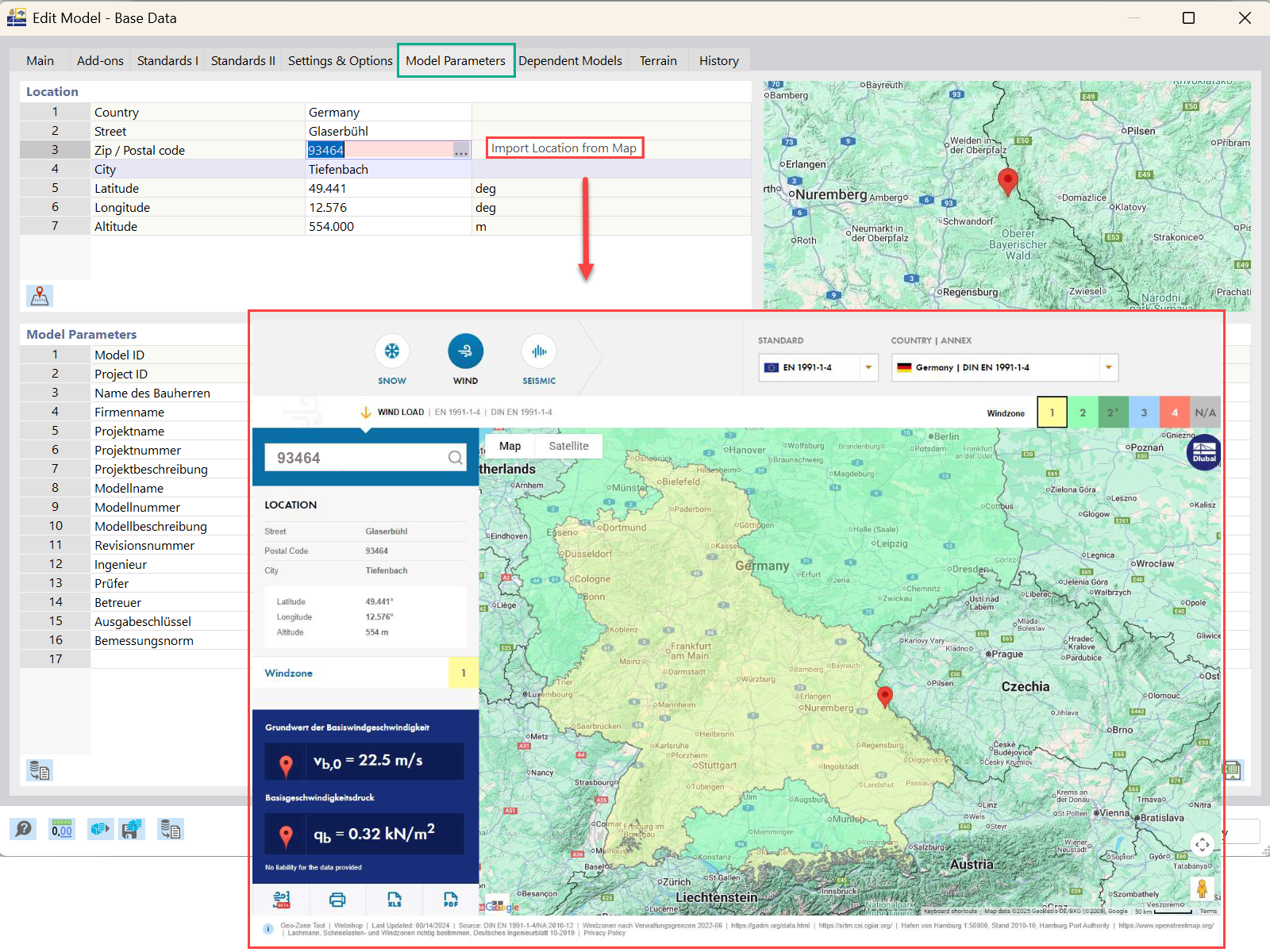
The graphic illustrates the process of importing a model's geographical location from a map in the RFEM 6 software interface.
The image demonstrates the feature in RFEM 6 for importing a model's location directly from a map. This functionality enhances precision by allowing users to place their structural models accurately on real-world sites. It streamlines the process of geographical context integration into engineering projects. The interface depicts a map area with tools for selecting and importing location data.