2026-07-24
064007
Dialog Box Load Cases and Combinations
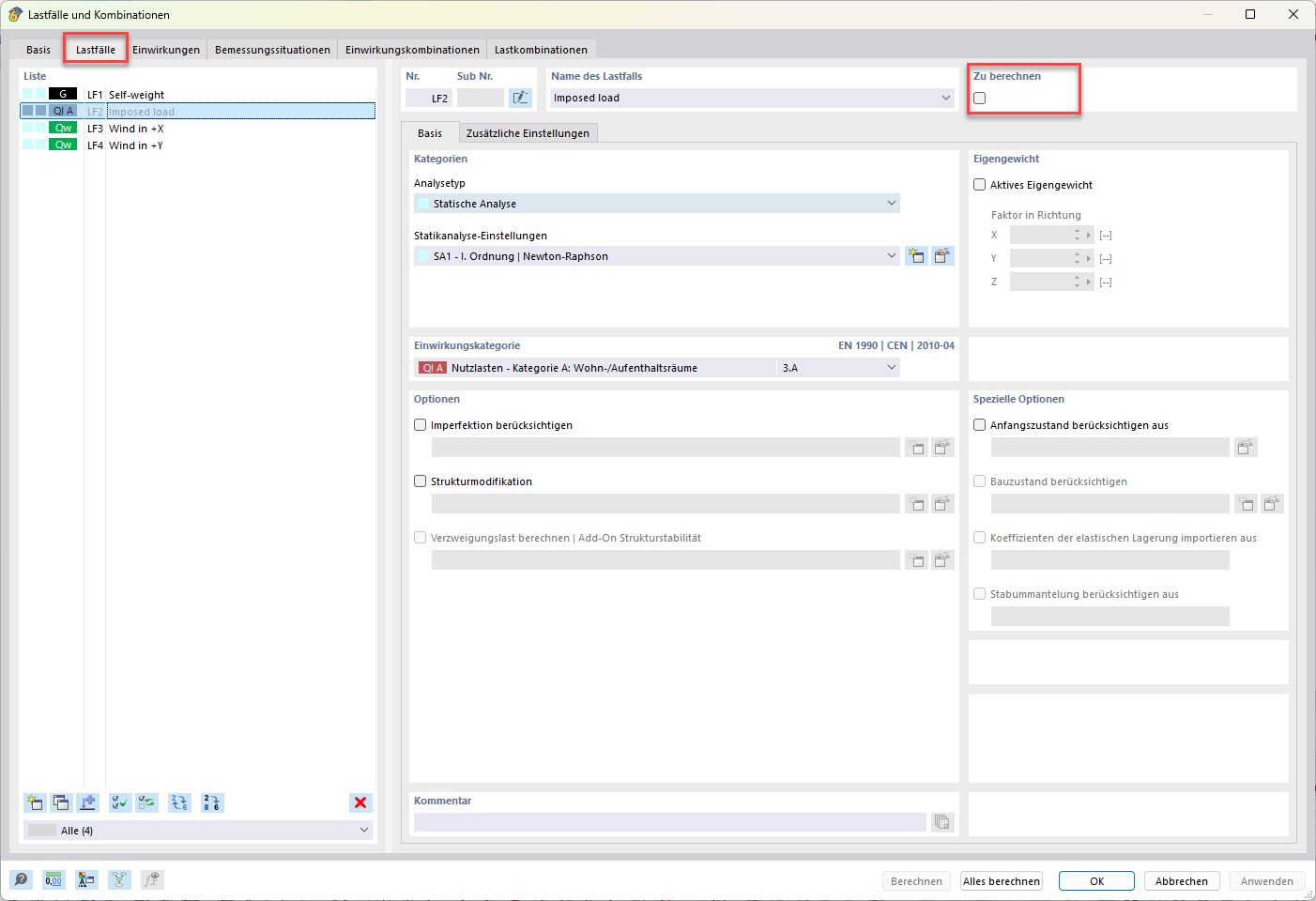
The dialog box shows deactivated Load Case 2 in the Load Cases and Combinations menu.
The “Load Cases and Combinations” dialog box shows various load cases and combination states. In the dialog box shown, Load Case 2 has been deactivated, which indicates that it is not included in the current calculation. This feature is often useful for selecting relevant load cases for specific analyses and optimized calculation results. The image displays the software’s user interface as it relates to selecting load cases.