Answer:
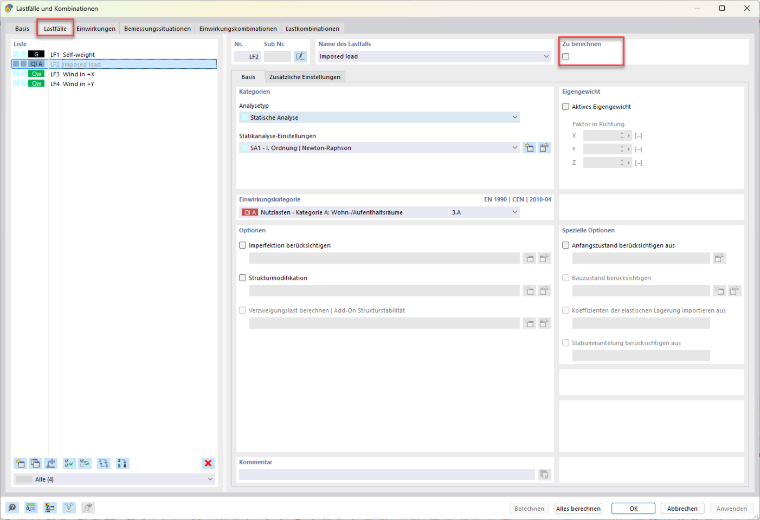
In the “Load Cases and Combinations” dialog box, the “To Calculate” checkbox determines whether a load case is included in the calculation. This allows you to exclude load cases that do not occur separately and thus do not require individual analysis.
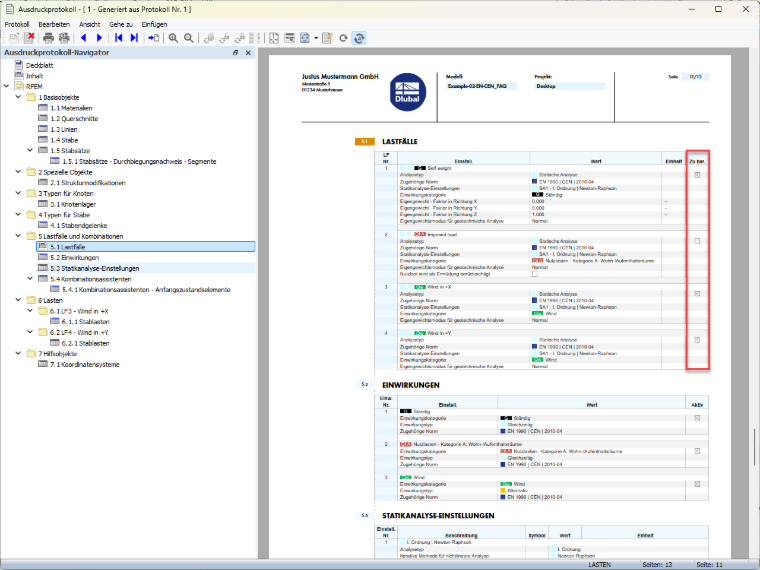
In the printout report, such load cases are marked accordingly. This allows you to easily check which load cases were included in the calculation and which were not.