2026-09-11
064755
Member Type Composite Beam in RFEM
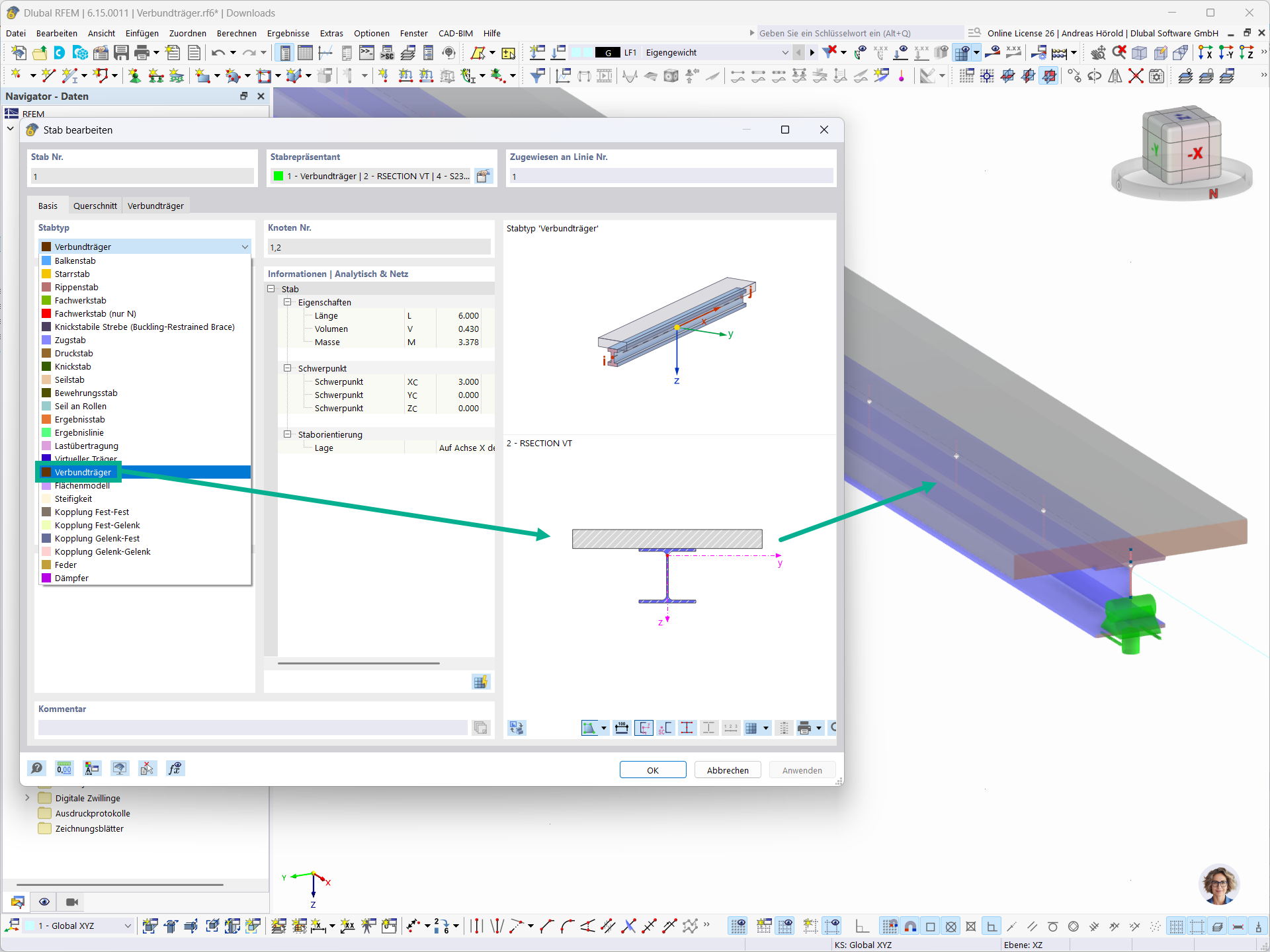
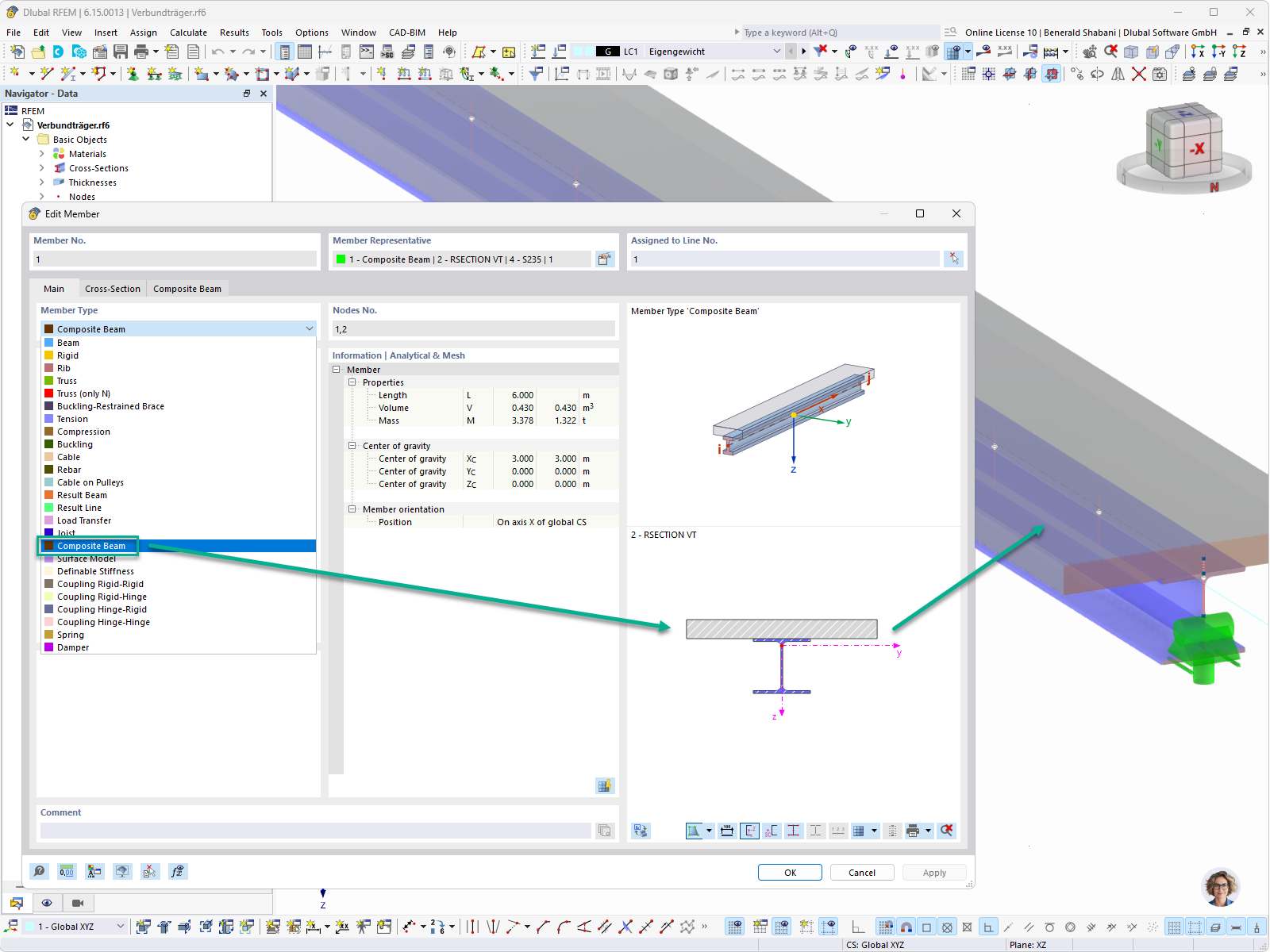
“Edit Member” dialog box in RFEM with the “Composite Beam” member type selected and a graphical display of a composite cross-section consisting of a concrete slab and a steel section
The “Edit Member” dialog box in RFEM shows the settings for Member 1 of the “Composite Beam” member type, which is highlighted in the selection list. The “Basic” tab contains information such as length (6.000 m), volume (0.430 m³), mass (3.378 t), and the member's center of mass coordinates. Graphical displays illustrate the composite beam in 3D as well as the cross-section consisting of a concrete slab over a steel I-section with a local yz coordinate system. The member representative shows the associated components such as “Composite Beam” and “RESECTION VT.” Using the “Composite Beam” member type, individual partial cross-sections can be modeled as separate members and connected to one another via rigid links, thereby generating a transparent stiffness model in the background.
Used in