


Question:
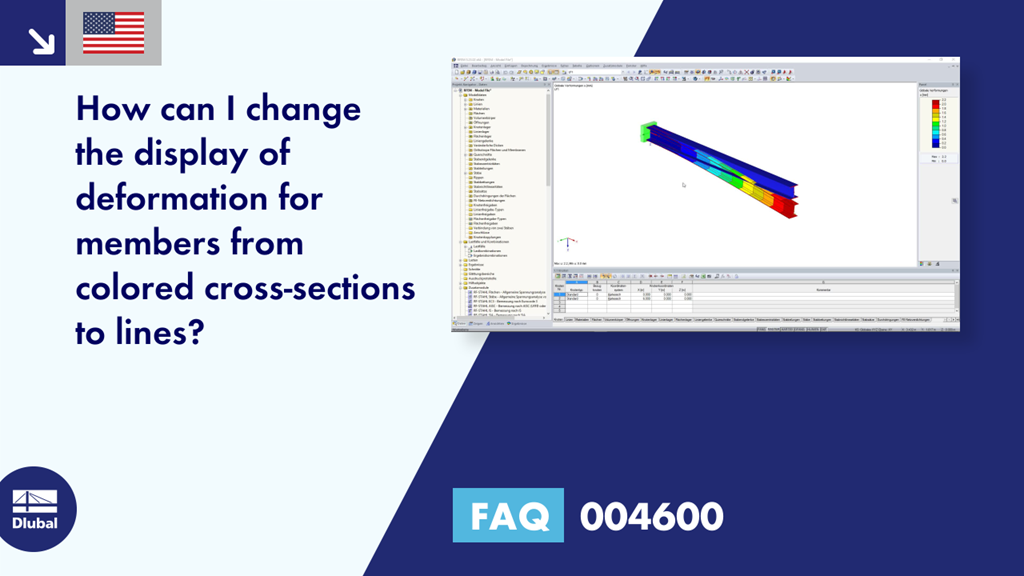
How can I change the display of deformation for members from colored cross-sections to lines?
Answer:
This change can be done in the Display navigator under "Results" → "Deformation" → "Members" → "Lines"; see Image 01.
Sign up for the Dlubal Extranet to get most of the software and have exclusive access to your personal data.
Sign up for the Dlubal Extranet to get most of the software and have exclusive access to your personal data.
Sign up for the Dlubal Extranet to get most of the software and have exclusive access to your personal data.
Question:
How can I change the display of deformation for members from colored cross-sections to lines?
Answer:
This change can be done in the Display navigator under "Results" → "Deformation" → "Members" → "Lines"; see Image 01.