


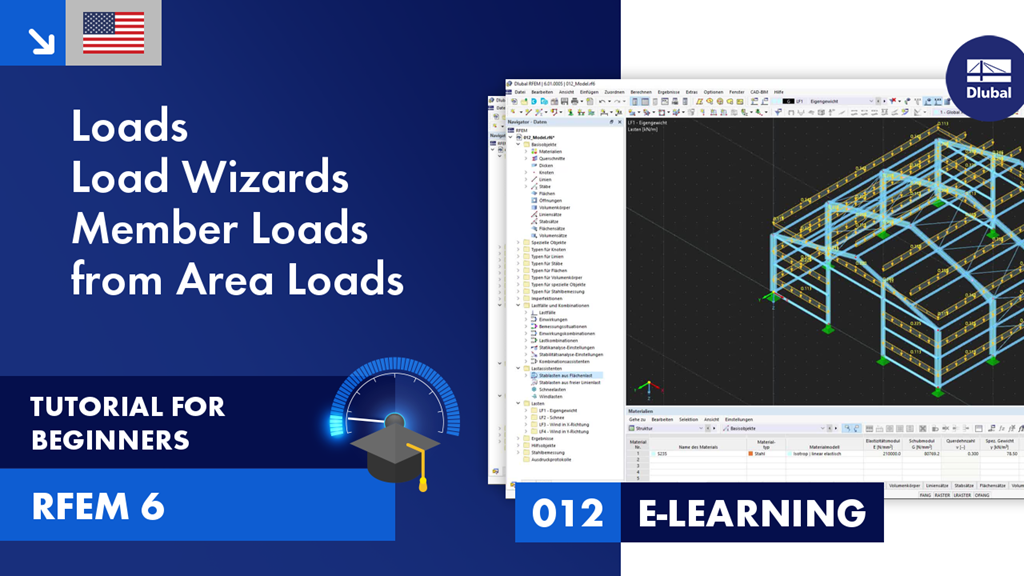
This video shows how to apply loads to an RFEM 6 model. For this, we use the load wizard to insert member loads from an area load.
Contents:
00:00 Introduction
00:59 New member load
02:25 Member loads from area load
05:05 Display properties of loads
Sign up for the Dlubal Extranet to get most of the software and have exclusive access to your personal data.
Sign up for the Dlubal Extranet to get most of the software and have exclusive access to your personal data.
Sign up for the Dlubal Extranet to get most of the software and have exclusive access to your personal data.
This video shows how to apply loads to an RFEM 6 model. For this, we use the load wizard to insert member loads from an area load.
Contents:
00:00 Introduction
00:59 New member load
02:25 Member loads from area load
05:05 Display properties of loads