


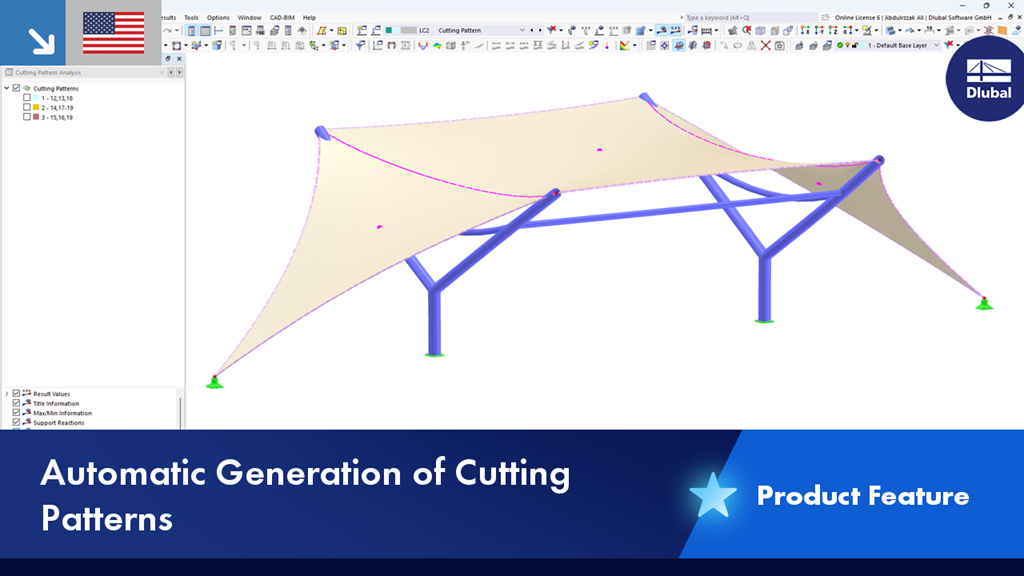
In RFEM and the “Cutting Pattern” add-on, you can automatically generate cutting patterns. To do this, you need to create a new load case, select the cutting pattern analysis, and specify the initial state.
If you want to exclude a specific surface or line from the cutting pattern generation, you can select the “Ignore for cutting pattern generation” option.