


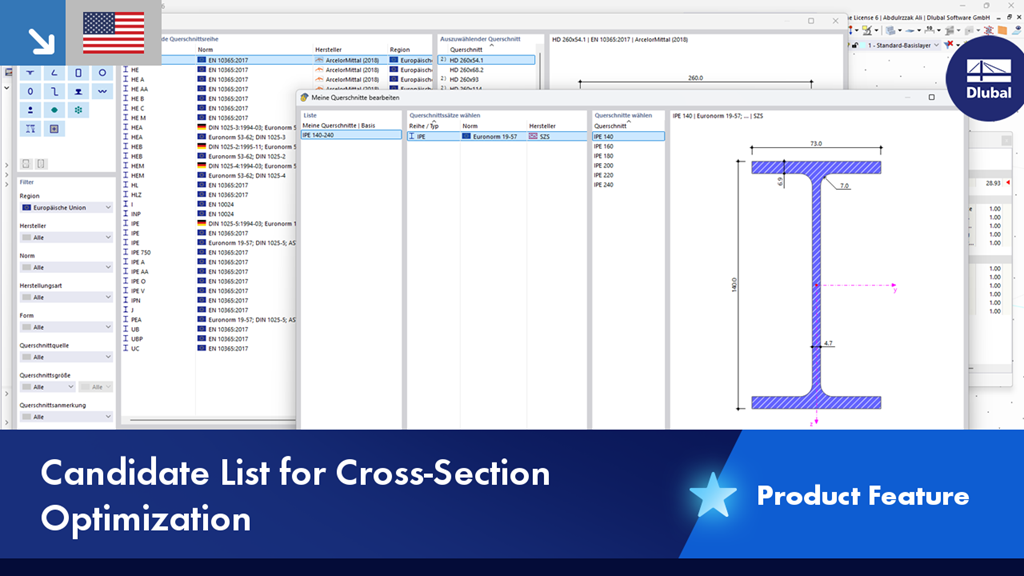
In the Model Optimization add-on, you can optimize cross-sections within a user-defined favorites list. Specify the cross-sections that can be used in your model. Enable the “Optimization” option and select the favorites list.
The relevant parameters can be adjusted in the optimization settings.
For model optimization, RFEM uses only the selected favorites list and determines the optimal sections for the structure based on this list. This saves you time during the optimization process, since the calculations do not have to be performed for all cross-sections.