


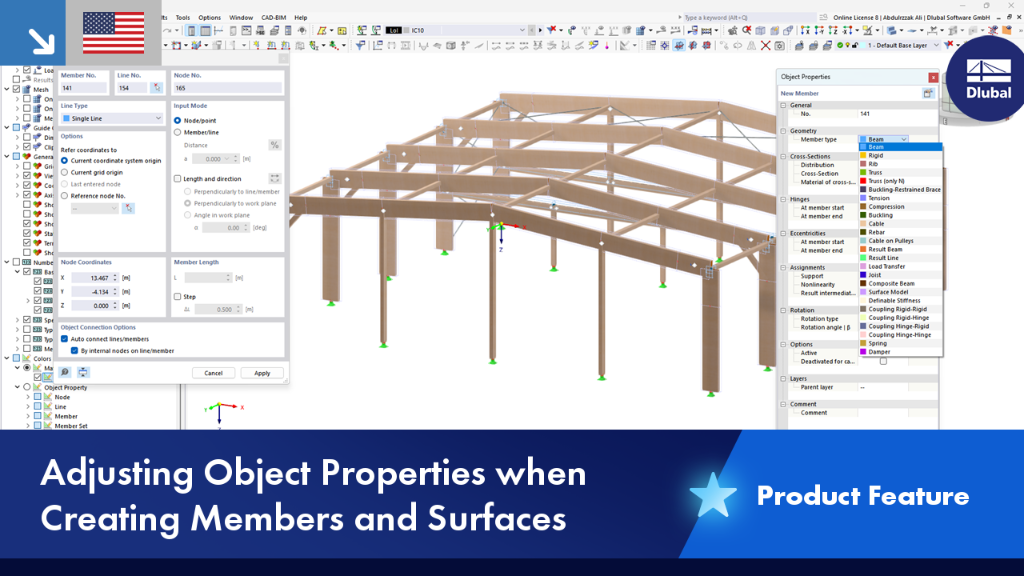
When creating members and surfaces, you can adjust their properties directly in the Object Properties window without having to open a separate dialog box.
This allows you to stay in the modeling workflow and quickly and easily adjust object properties, such as member type, cross-section, material, and so on.
You can use the program options to specify whether to use the standard dialog box or the object properties window.