


Answer:
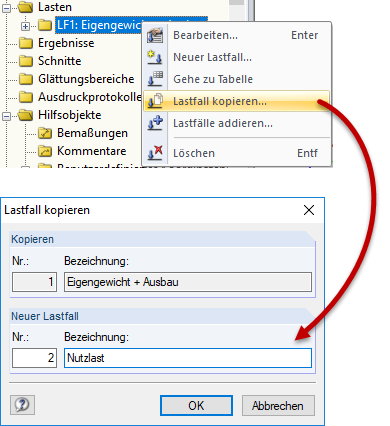
The most convenient and fastest solution is to copy a load case into the next load case. If you have already created generated loads for several load areas in a load case (see Image 01), all loads are transferred into the next load case by copying (see Image 02). Subsequently, only the load values of the generated loads have to be adapted to the respective load case.
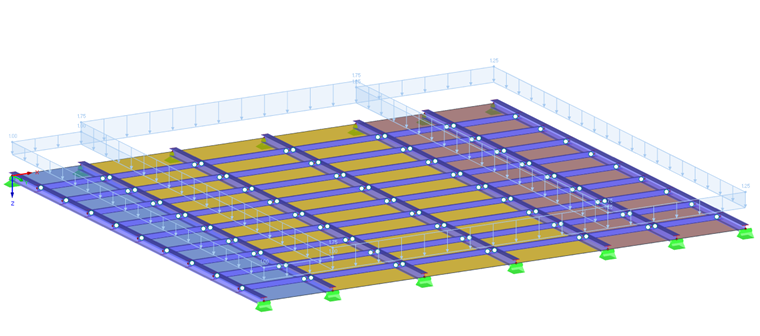
This method is particularly useful for plane structures with the same load type.