Answer:
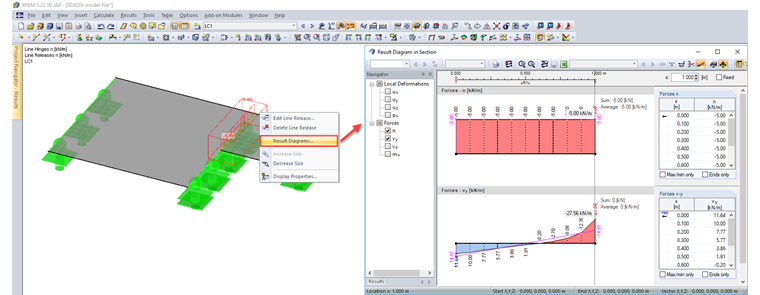
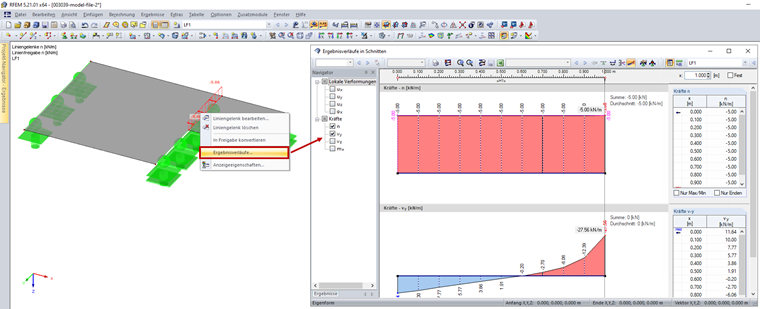
You can display the result diagram of a line release (Image 01) or a line hinge (Image 02) by right-clicking the relevant line release or line hinge. Then, select "Result Diagrams" in the shortcut menu.
The video shows how the results of a line release/hinge can be displayed in the work window as well as in the "Result Diagrams" dialog box.