Answer:
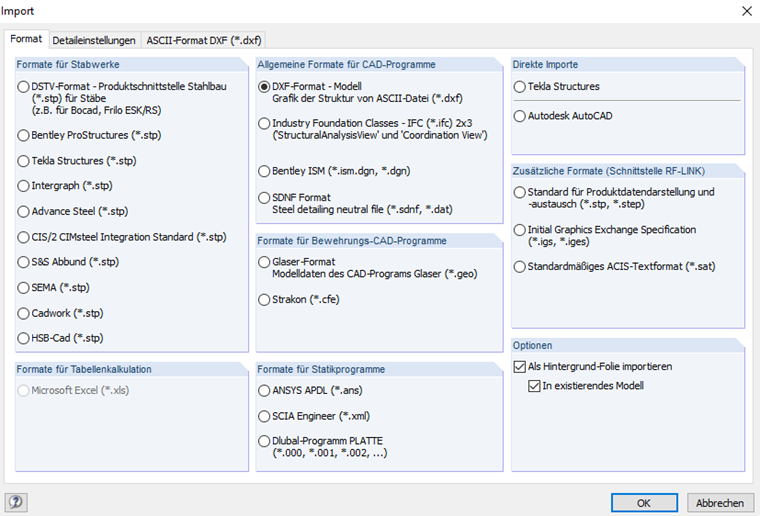
In order to import background layers as DXF, use the "Import as background layer" option under "Import Options".
Sign up for the Dlubal Extranet to get most of the software and have exclusive access to your personal data.
Sign up for the Dlubal Extranet to get most of the software and have exclusive access to your personal data.
Sign up for the Dlubal Extranet to get most of the software and have exclusive access to your personal data.
In order to import background layers as DXF, use the "Import as background layer" option under "Import Options".
In Product Engineering, Bastian is responsible for development and quality assurance in timber structures and also plays an active role in customer support. His experience directly informs how he addresses practical issues.