Answer:
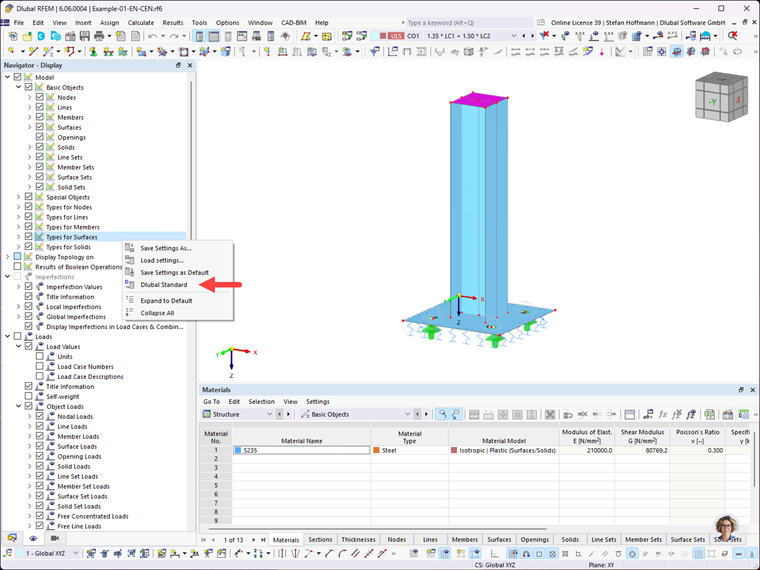
If you receive an RFEM 6 or RSTAB 9 file for further processing, the structures will be displayed in the program using the display settings of the last editor.
If this display does not meet your own requirements, you can simply right-click the free area of the Navigator – Display and select "Dlubal Standard". This returns the settings to the default values.