Setting North Orientation
The North orientation can be defined in the model base data in the "Settings and Options" tab. By default, a North orientation of 0° is set. This corresponds to a North alignment along the global X-axis.
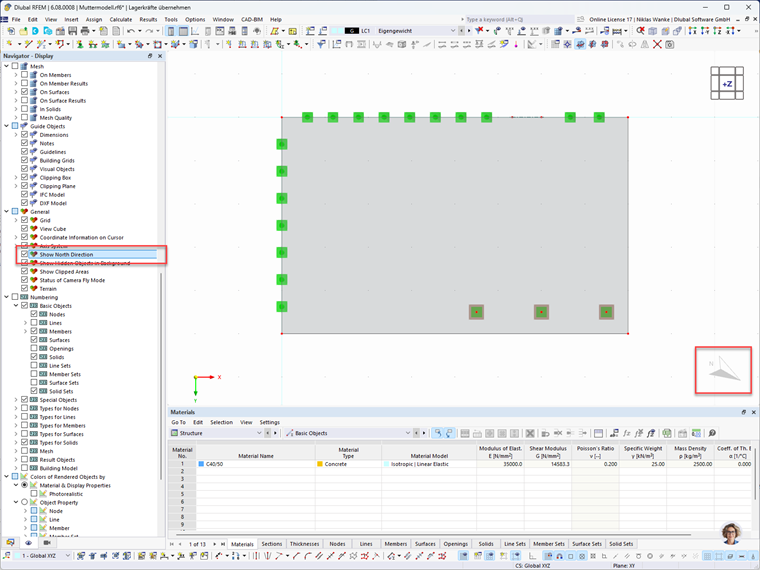
Graphical Display of the North Arrow
To display the North arrow graphically in the workspace, the corresponding "Show North direction" check box must be activated in the display navigator. The North arrow is then displayed in the top view. In the side view, no North arrow is generally shown.
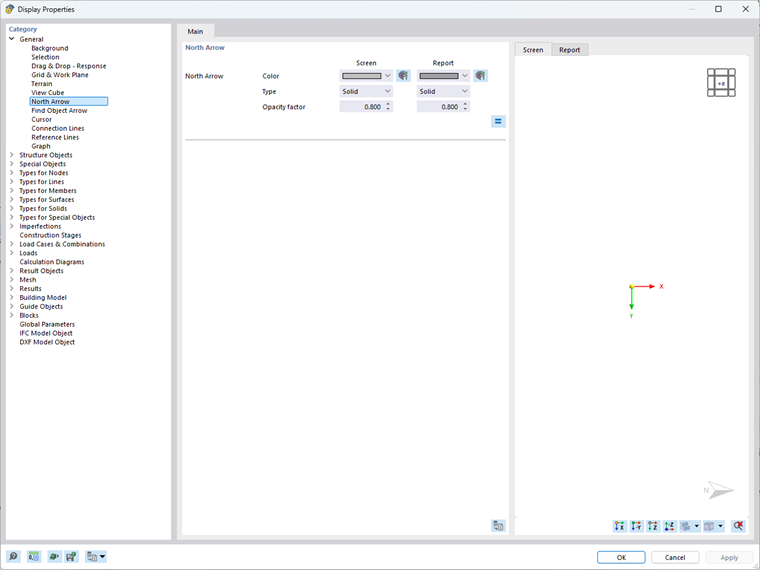
The appearance of the North arrow can also be configured in the display properties.
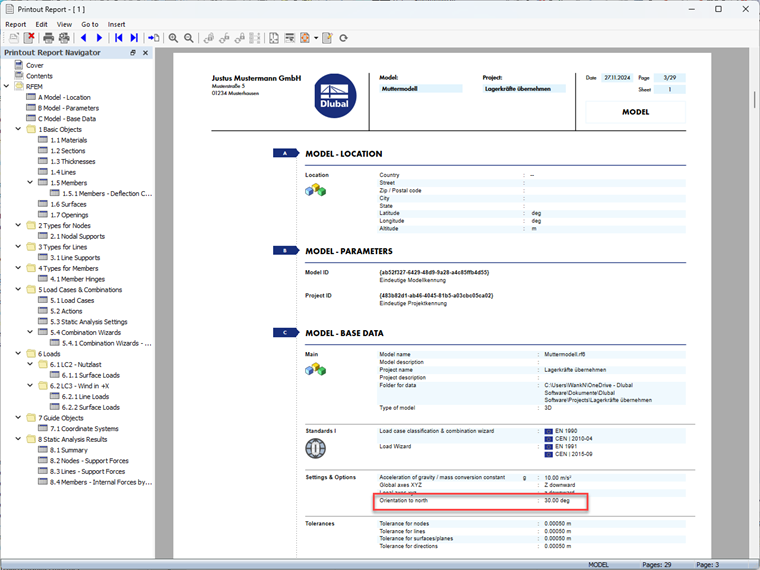
North Orientation in the Printout Report
If the North orientation has been activated in the base data in the "Settings and Options" tab, it is also documented in the printout report. You can find this information in the "Model Base Data" chapter of the printout report.