


Professional graphics card with NVIDIA GPU
Basically, we recommend only using drivers from the "Production Branch" of NVIDIA. These drivers are better tested. Drivers from the "New Feature Branch" offer no advantages for RFEM and RSTAB.
Problems in older versions of RFEM 6 and RSTAB 9
When using older versions prior to RFEM 6.10.0007 or RSTAB 9.10.0007, crashes and sometimes performance problems may occur with the current drivers.
If this is the case, we recommend installing more current versions of RFEM 6 or RSTAB 9. Adjustments that prevent crashes are included as of RFEM 6.10.0007 or RSTAB 9.10.0007.
If a new version cannot be installed and crashes occur in the graphics core, we recommend installing the following driver:
https://www.nvidia.com/en-gb/drivers/details/238801/
Problems with current versions of RFEM 6 and RSTAB 9
If drivers from version number 595 onwards are installed, the graphic and dialog boxes in RFEM may be displayed extremely distorted.
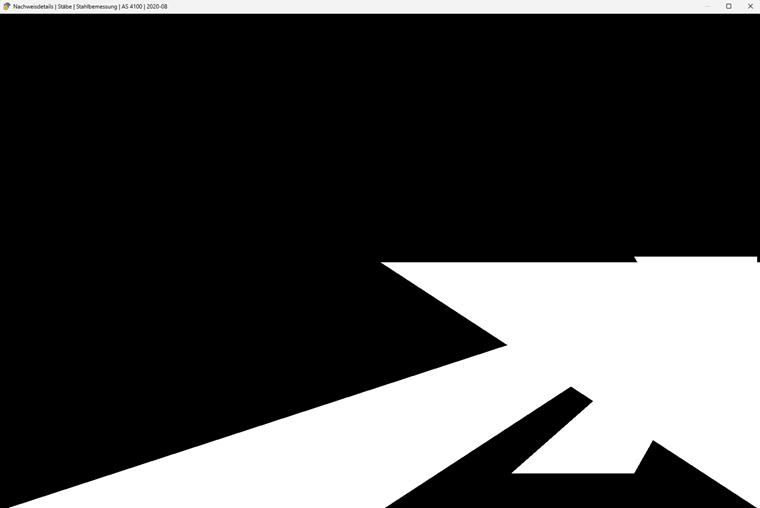
If this is the case, we recommend installing this driver:
https://www.nvidia.com/en-eu/drivers/details/265729/
Gaming graphics card with NVIDIA GPU
Gaming graphics cards with an NVIDIA GPU can be identified by the suffix "GeForce".
Install the current driver from the "NVIDIA Studio Driver" branch.
We advise against the "GeForce Game Ready Driver" branch, as stability issues may occur with this branch.
Professional and gaming graphics cards with AMD GPU or AMD GPU integrated in the processor
If your computer is equipped with an AMD graphics card or a GPU integrated in the processor, install the current driver.
Integrated Intel GPU
We do not recommend using the integrated Intel GPU. If possible, an NVIDIA or AMD graphics card should be used.
- FAQ 5679: Determining Graphics Card used in RFEM 6
- FAQ 5352: Selecting Dedicated GPU in Windows for RFEM 6 or RSTAB 9
However, if there is no other option than to use the Intel GPU, we recommend using the most current driver.