Answer:
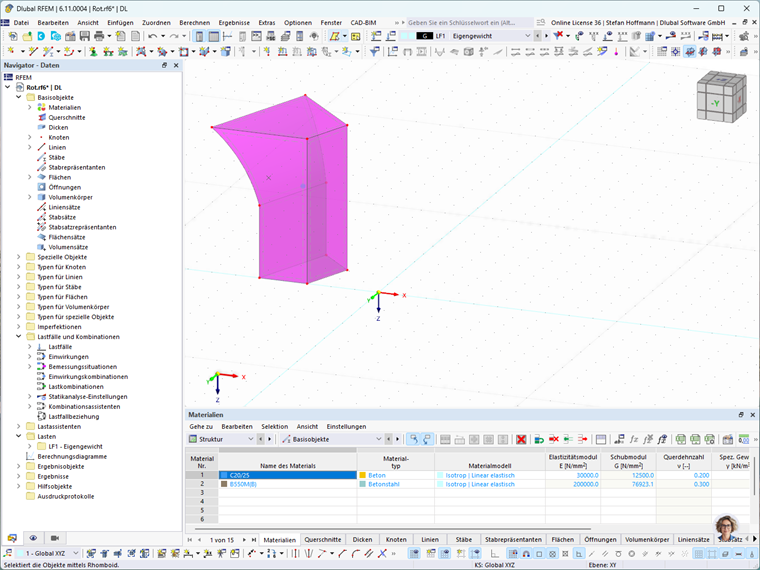
A solid of revolution can be created using the “Rotate” function. First, select the surface to be rotated and then open the “Rotate” dialog box. In the “Rotate” dialog box, set the number of copies to one. Next, specify the desired rotation angle and the axis of rotation.
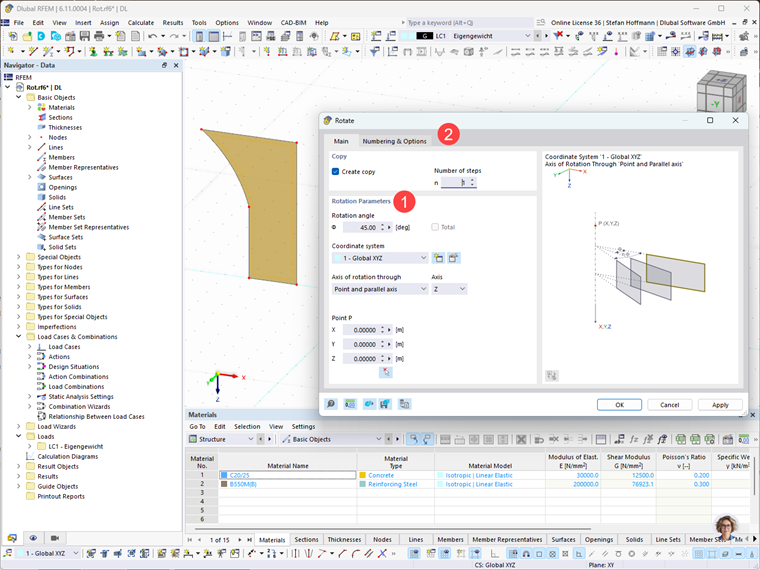
In the “Numbering and Options” tab, activate the Step Links option. In the “Step Links” tab, select the check box that connects surfaces to solids.
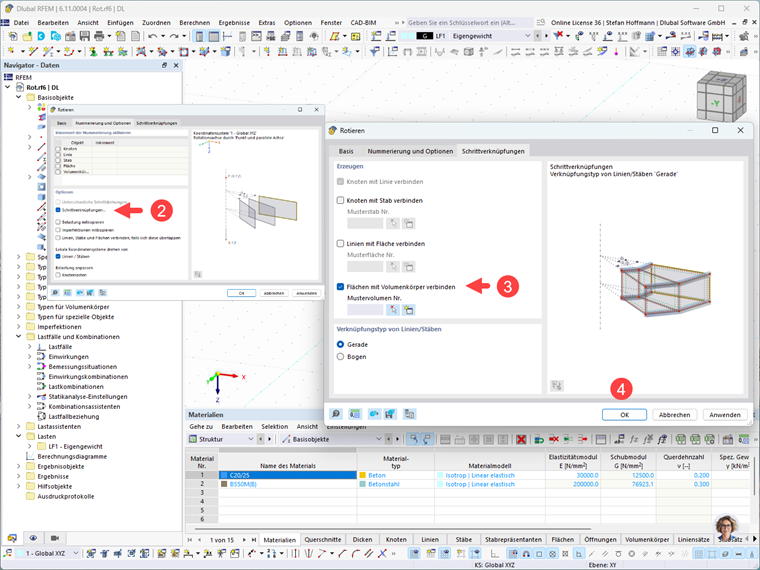
Click OK and the solid of revolution is created.