Yes, it is possible. To modify the total area A, the shear area Ay, Az, and the moments of inertia J, Iy, Iz of a cross-section, you can create a “structure modification” to assign to the desired load cases and combinations.
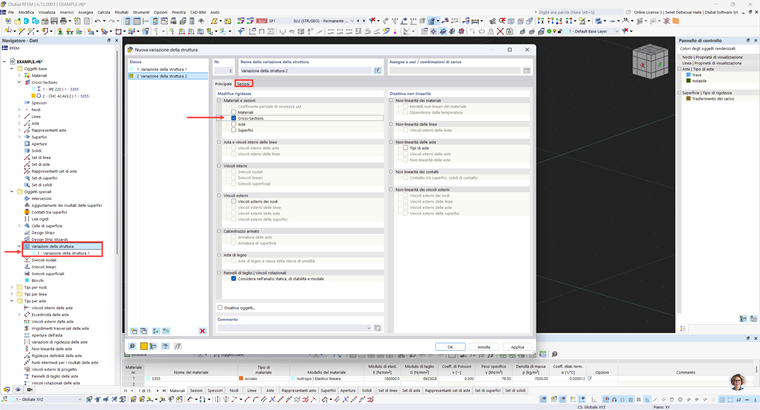
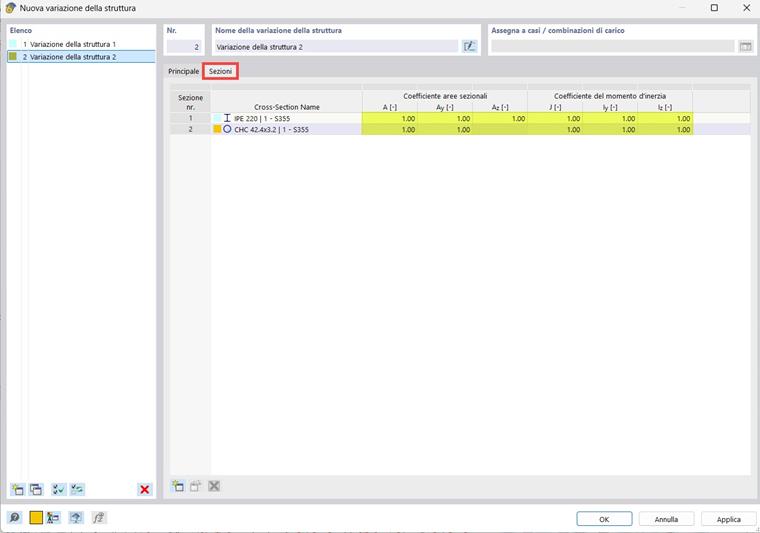
- Right-click on “Structure modifications” to open a window where you can select “New structure modification”. Select “cross-sections” from the “Materials and sections” list to activate the window where you can modify the cross-section stiffness coefficients.
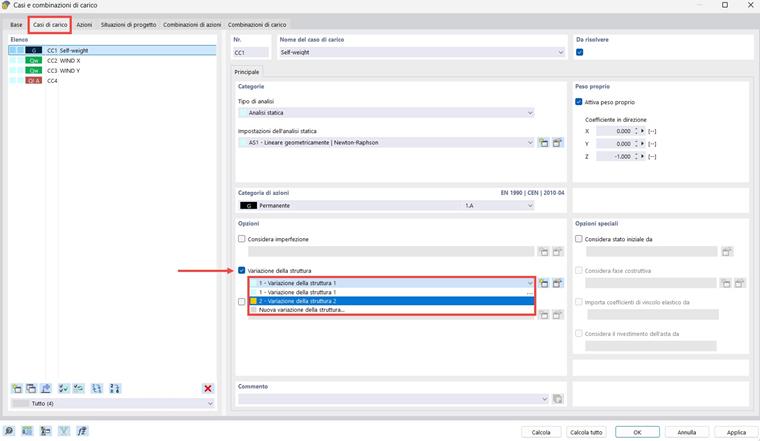
To consider changes to cross-section properties in the calculation, you can activate the “Structure modification” option in the individual load cases or combinations, or activate it in the “Combination Wizard.”
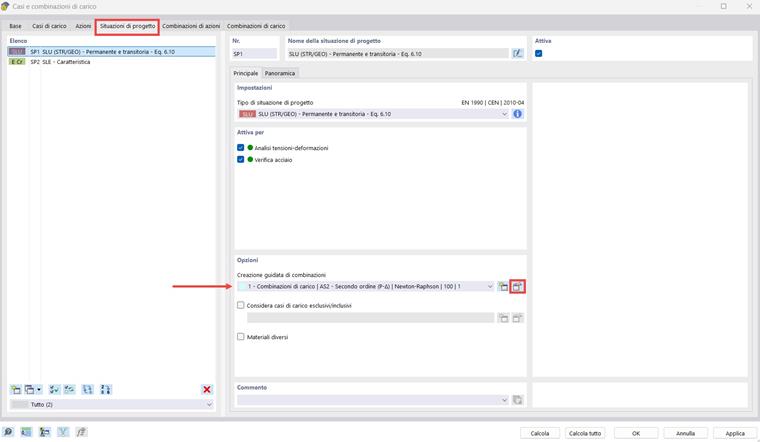
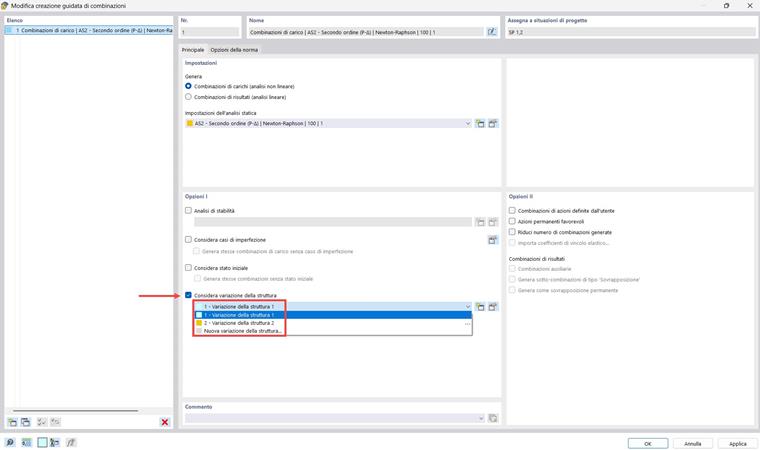
Further information on “Structure Modification” can be found in the RFEM 6 online manual:
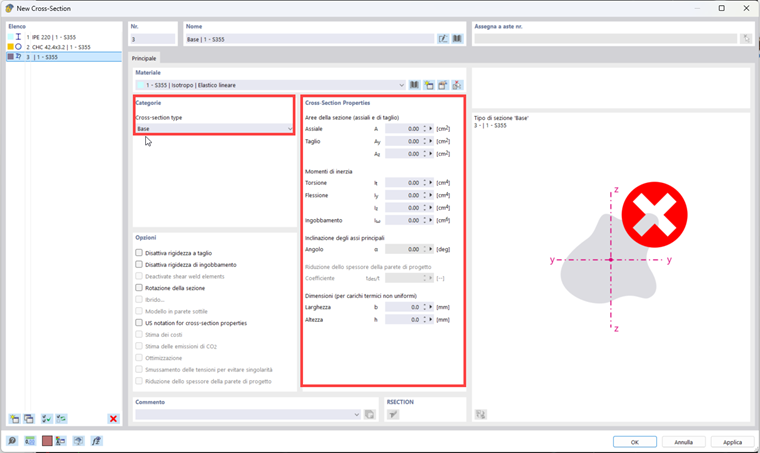
In case you want to create a cross-section by defining only the inertia parameters, but without constructing its geometry, you can define a “main” cross-section type and enter the calculated values in the dialog box. However, such a cross-section cannot be analyzed in various design add-ons.