


In RFEM 6, it is possible to specify an individual sheet format for each printout report, for example, A4 for text documents or A3 for extensive result graphics. Furthermore, it is possible to define multiple reports that divide the entire content of a project. This allows you to divide extensive documents into several reports, each of which can be designed independently.
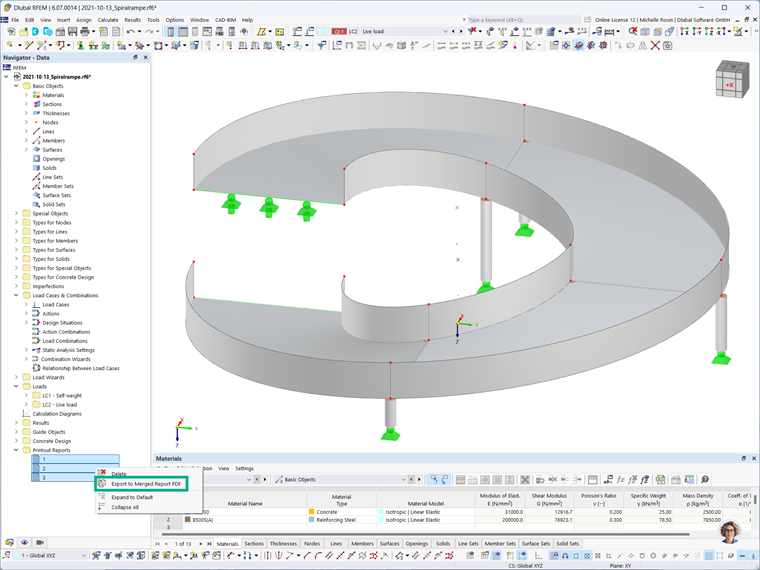
If it is necessary to combine the individual reports into a complete report, RFEM 6 provides the “Export to Combined Report PDF” feature. This allows you to combine the previously separate reports into a single PDF document that contains all relevant content.
The table of contents of the merged printout report lists all chapters and sections of the individual reports, allowing the reader to quickly navigate between the different parts of the document. This flexible structure allows for efficient and clear documentation of projects in RFEM 6.