Answer:
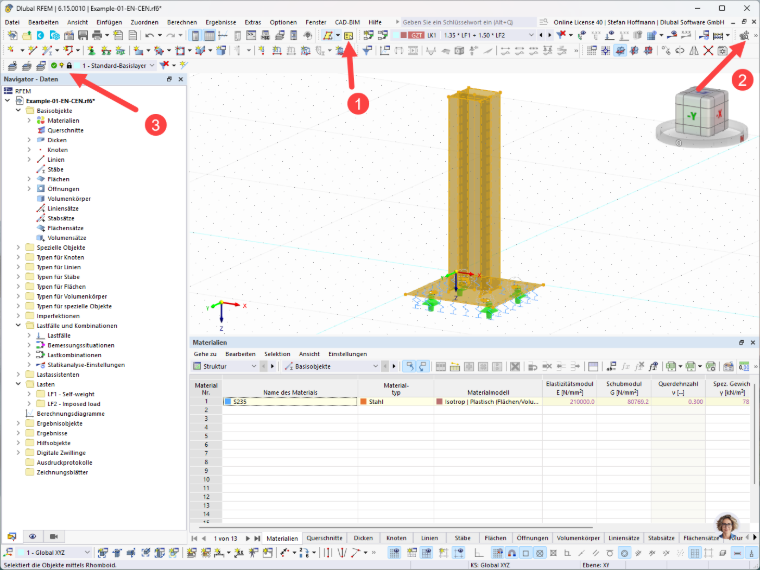
If clicking in the workspace no longer deselects objects, check to make sure you haven't accidentally enabled the “Add to Selection” function (1).
If the left mouse button only moves the graphic but does not select any objects, check to see if you have accidentally activated the “Move, Zoom...” function (2).
If you can no longer select any objects, it may also be because the active layer is locked (3).