


Newly Created Printout Reports
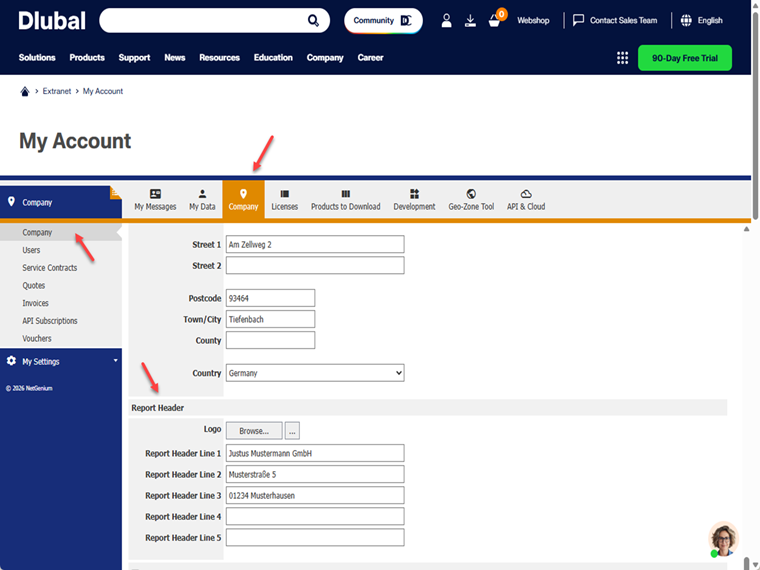
If you update your company logo in the Dlubal Admin section under the company information, the new logo will automatically be used in newly created printout reports.
Existing Printout Reports
Existing printout reports are not adapted automatically. In this case, it is necessary to manually update the logo path stored in the printout report.
New Logo Not Applied
If the new logo does not appear in newly created printout reports, please log out of RFEM 6 and then log in again. This will re-download the license and apply the updated settings.
Note
Only one print header can be stored per company in the Dlubal Extranet.
However, within the printout report, you can create templates for page settings. These templates also contain the respective print header and can be used for different layouts or output standards.