Answer:
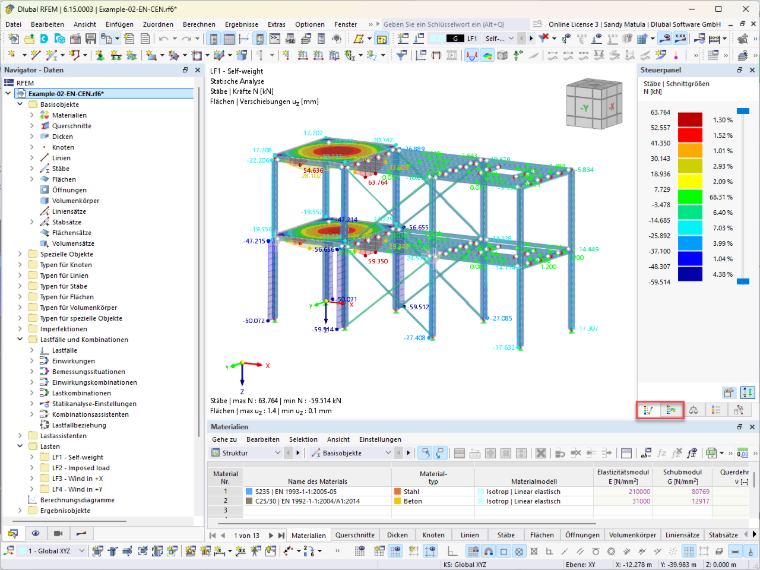
If you display both member and surface results on the screen at the same time, only one panel is displayed initially. However, you can switch between the member and surface results at any time.
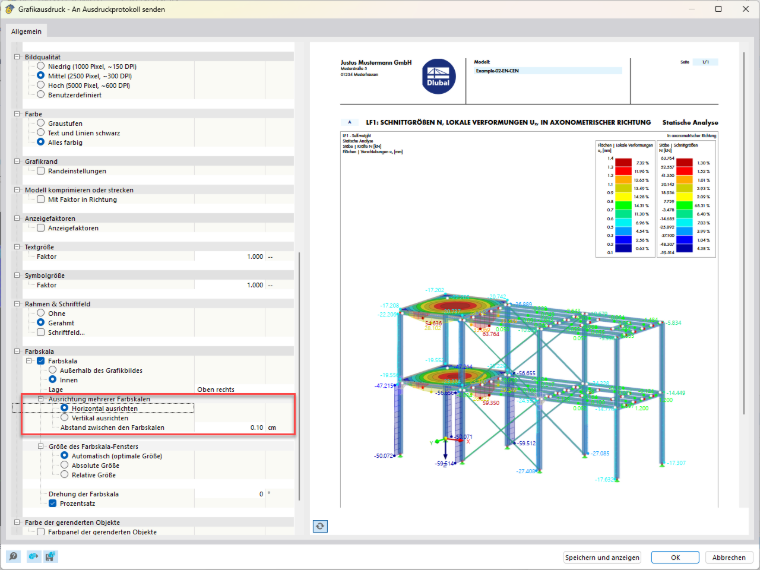
When printing the graphic, you can specify how the two panels should be displayed in the printout report. This allows you to output the color scales of both results in the report, either horizontally or vertically aligned.