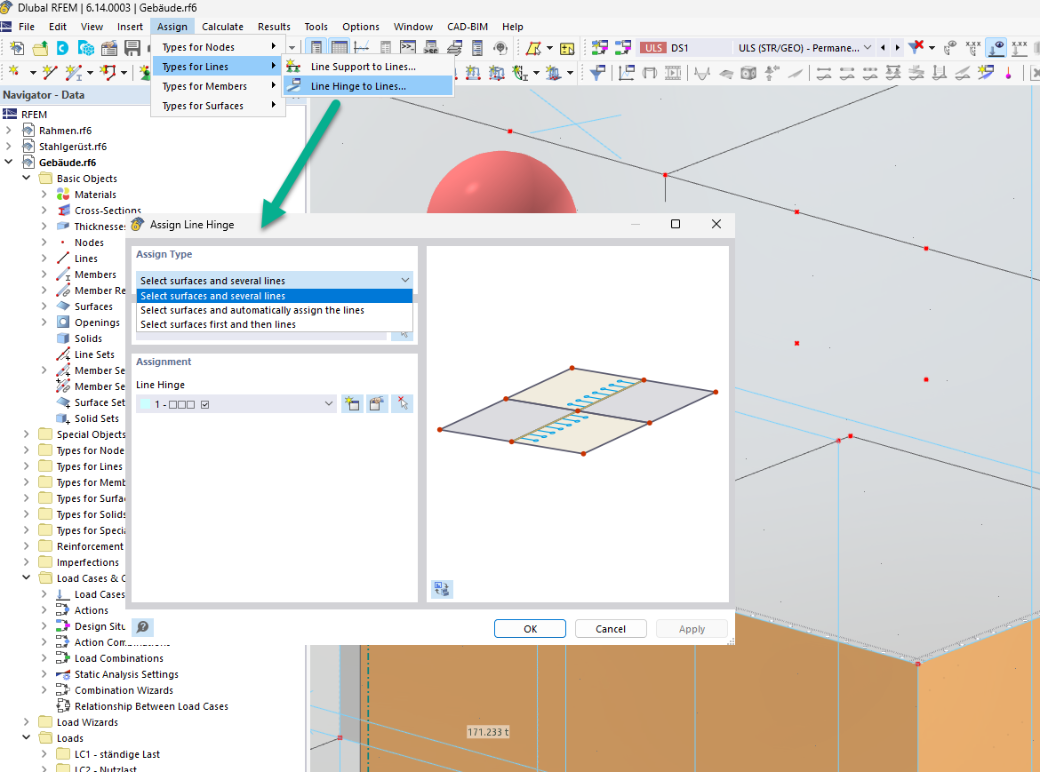
Would you like to assign line hinges to surfaces quickly and efficiently?
To do this, three different options are available in the menu "Assign → Types for Lines → Line Hinge to Lines...":
- Select surfaces and multiple lines
- Select surfaces and automatically assign lines
- Select surfaces first, then lines
With the third option, all desired surfaces are selected first, followed by all lines. The order of the surfaces and lines does not matter here.