


 Product Feature
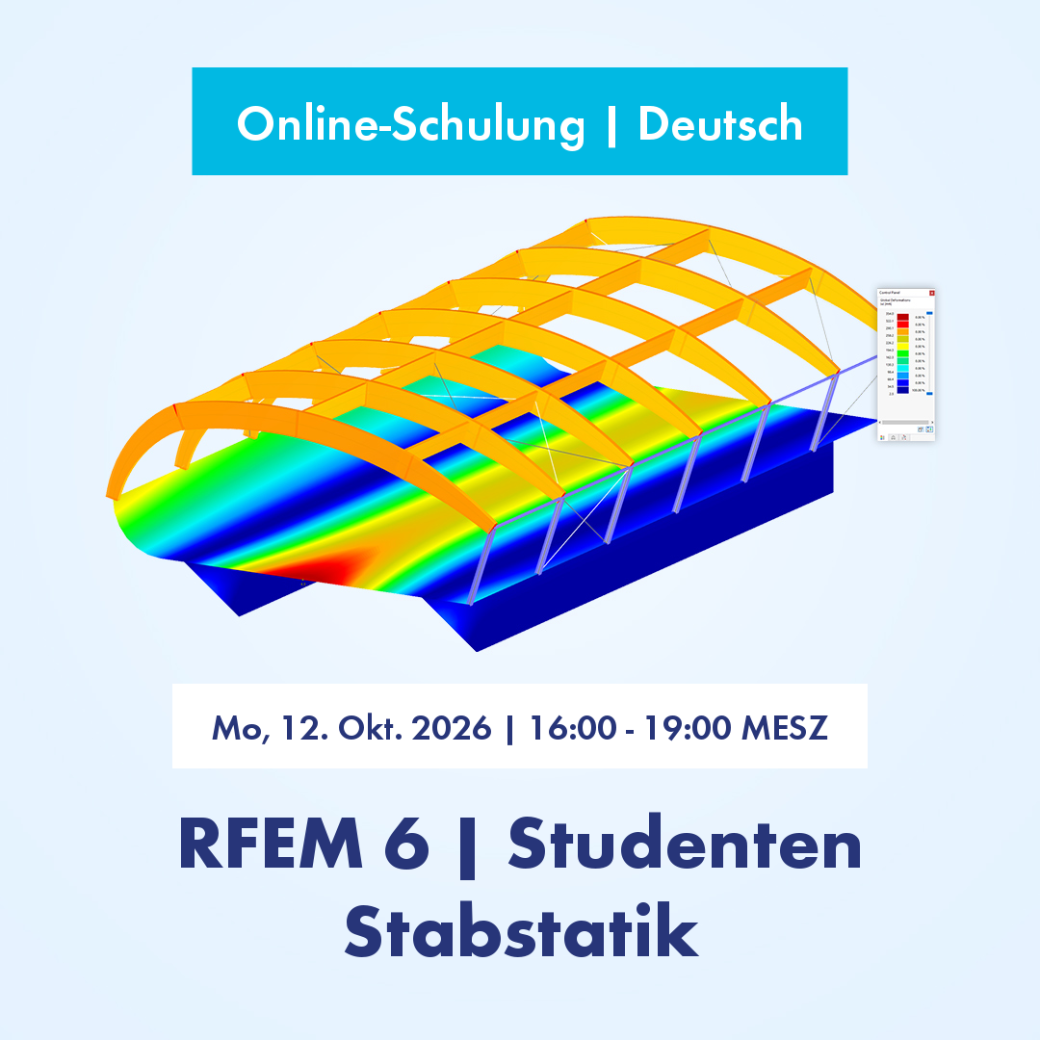
Free online basic training for students on the structural FEA software RFEM 6 | Introduction to Member Design
Are you a student who wants to work more efficiently with the structural FEA software RFEM 6? Then this training is just right for you. Here, you’ll learn about important features and modeling options using practical examples. Of course, we’ll also be happy to address any questions you may have.
|
-
Introduction
|
|
-
Introduction to the 3D FEA software RFEM 6
|
|
-
Introductory example: Single-span beam
|
|
-
Further calculation examples
|
|
-
Second-order analysis
|
|
-
Linear stability analysis
|
Notes
A reliable Internet connection is required in order to participate.
After completing the training, you will receive a certificate. We will also provide you with the models used in the training, the video recording, and documentation for download. This allows you to review the training step by step at your own pace.
Clemens Gutmann, M.Eng.
Deputy Head of Product Engineering
Clemens is the deputy head of Product Engineering and is responsible for quality assurance in product development. He also draws on his experience in customer support to address complex issues.