


Question:
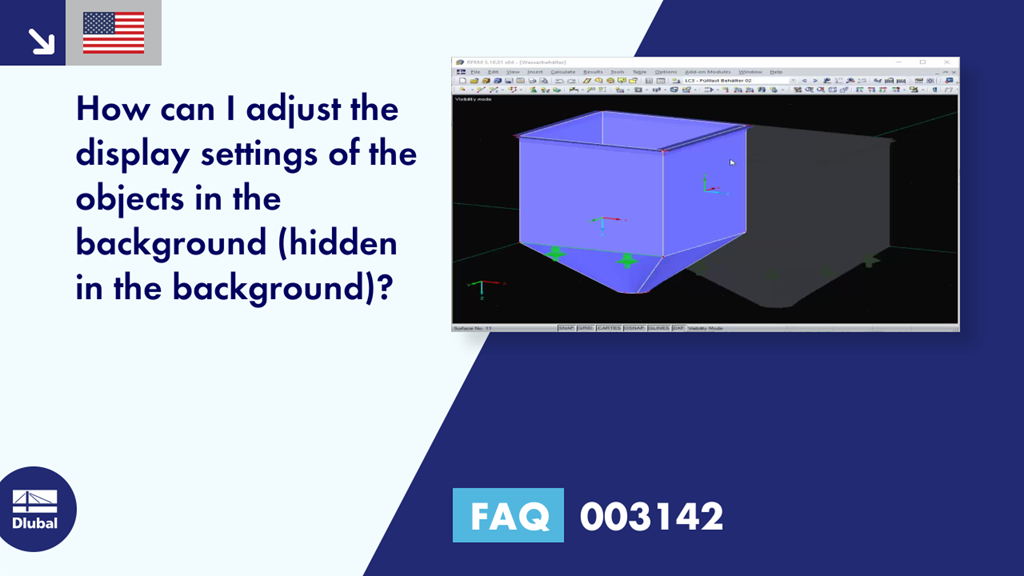
How can I adjust the display settings of the objects in the background (hidden in the background)?
Answer:
The display or the intensity of the inactive objects can be set under Options → Program Options → Graphics, as shown in Image 01.
Sign up for the Dlubal Extranet to get most of the software and have exclusive access to your personal data.
Sign up for the Dlubal Extranet to get most of the software and have exclusive access to your personal data.
Sign up for the Dlubal Extranet to get most of the software and have exclusive access to your personal data.
Question:
How can I adjust the display settings of the objects in the background (hidden in the background)?
Answer:
The display or the intensity of the inactive objects can be set under Options → Program Options → Graphics, as shown in Image 01.