


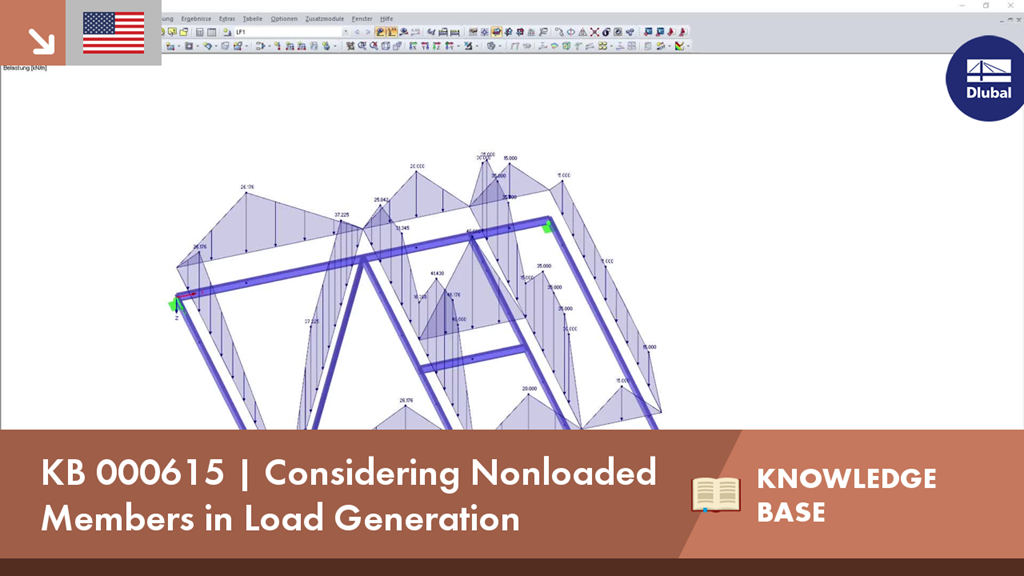
When generating member loads via plane, the program internally generates cells. These cells significantly influence the created member loads. Therefore, special attention should be paid to including nonloaded members for the cell generation. To access the options, click the [Settings for Load Generation] button.