Answer:
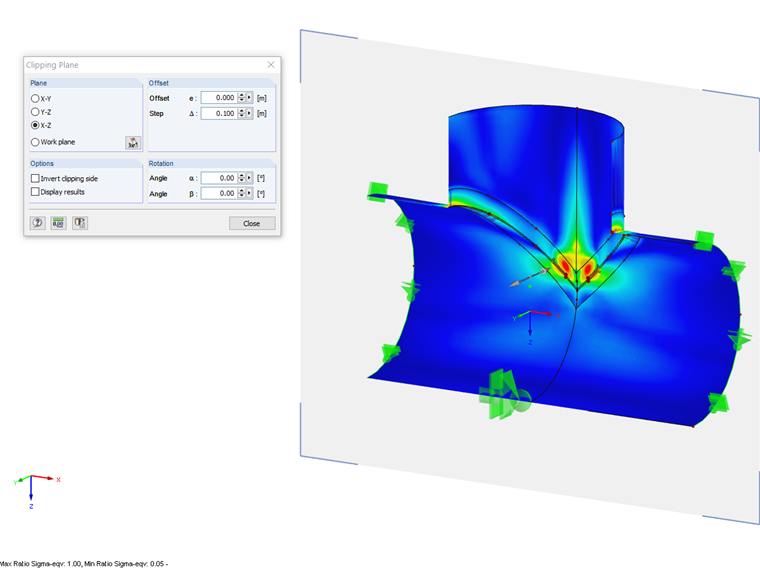
You can define a virtual plane displaying everything in front of or behind the plane. You can find this function in the menu "Insert" → "Clipping Plane". The clipping plane can be moved or rotated gradually.
Sign up for the Dlubal Extranet to get most of the software and have exclusive access to your personal data.
Sign up for the Dlubal Extranet to get most of the software and have exclusive access to your personal data.
Sign up for the Dlubal Extranet to get most of the software and have exclusive access to your personal data.
You can define a virtual plane displaying everything in front of or behind the plane. You can find this function in the menu "Insert" → "Clipping Plane". The clipping plane can be moved or rotated gradually.
Mr. Baumgärtel provides technical support for Dlubal Software customers.