


Answer:
The default path for the company logo is "C:\ProgramData\Dlubal\Global\General Data\Logo.bmp".
This path should appear automatically in the printout report header settings.
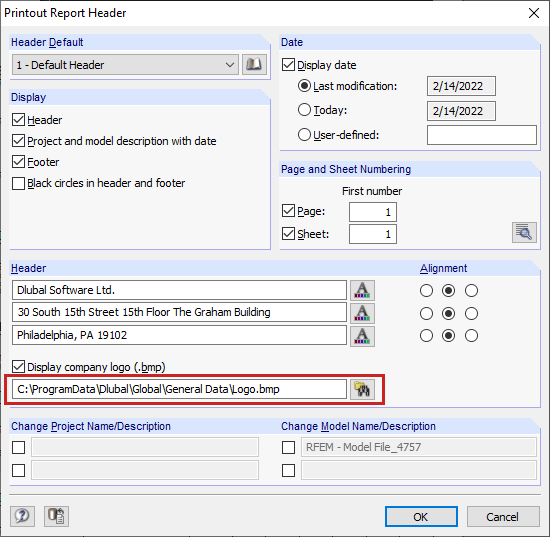
The path for the customer logo should also be visible and editable in the registry under "Computer\HKEY_LOCAL_MACHINE\SOFTWARE\WOW6432Node\DLUBAL\AUTHORIZATION".
As an alternative, please save your company logo in the bmp format and under the name "Logo.bmp" in the directory "C:\ProgramData\Dlubal\Global\General Data".