Answer:
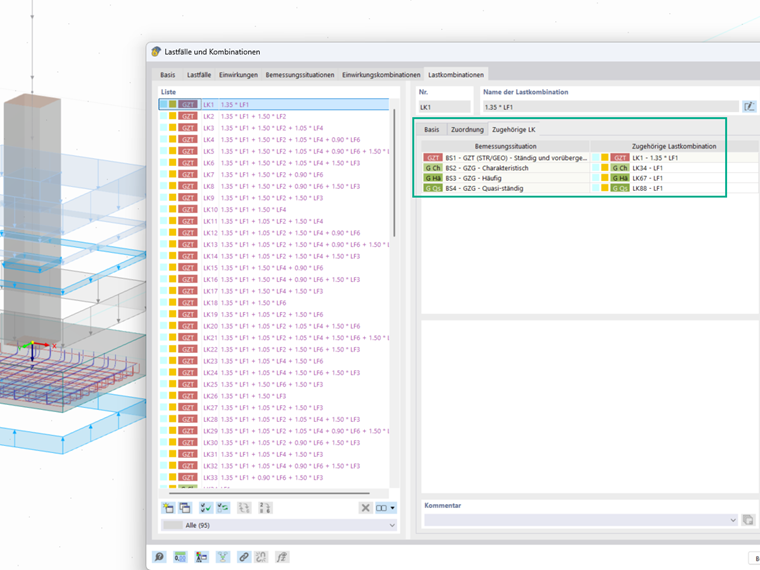
Error messages often arise when the load combinations for ground failure and sliding design are not assigned correctly. In RFEM 6, you can activate the automatic assignment of the corresponding load combinations in the “Load cases and combinations” window under “Main – Automatically assign associated load combinations.” If this option is deactivated, there is no automatic assignment, which can lead to error messages.