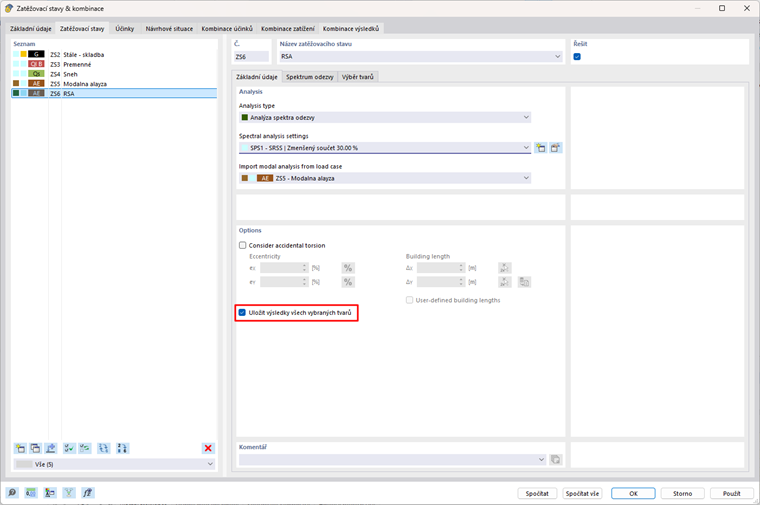
The spectral analysis settings are configured to save results for all shapes. With 370 shapes, this means a large amount of data to be saved. If the “Save results of all selected shapes” option is activated, the intermediate results (number of directions * number of selected shapes + direction combinations + final combinations) are also saved. When this option is deactivated, only the final combination is saved. The resulting file is then much smaller.
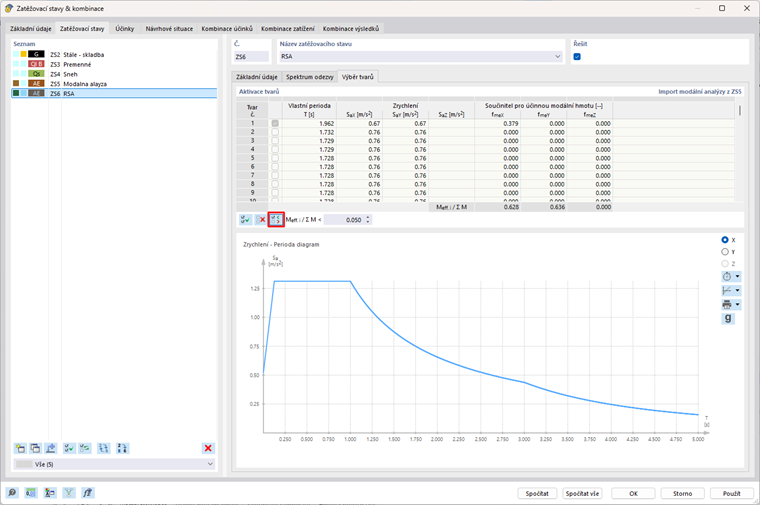
Another option is to reduce the number of shapes used for the calculation, as not all of them are relevant. According to EN 1998-1 [1] 4.3.3.3.1(3), all shapes with effective modal masses greater than 5% of the total mass must be taken into account. This means that masses less than 5% can be neglected. In the program, you can activate the selection of shapes according to criteria and only calculate shapes greater than 5%, thereby deselecting secondary relevant shapes.