


Answer:
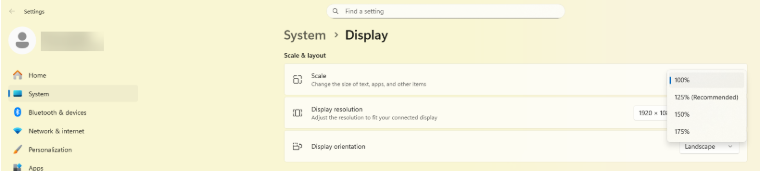
The symbol size and the font size can be adjusted using the display settings in Windows. Under System > Screen, you can set the scaling for each screen individually, which has a direct influence on the size of the symbols in RFEM and RSTAB.
Here is a comparison in the following image. The top image is scaled at 100% and the bottom image at 125%:
